Make Scanned PDFs Searchable with Batch OCR

Recognize Text across Scanned PDFs
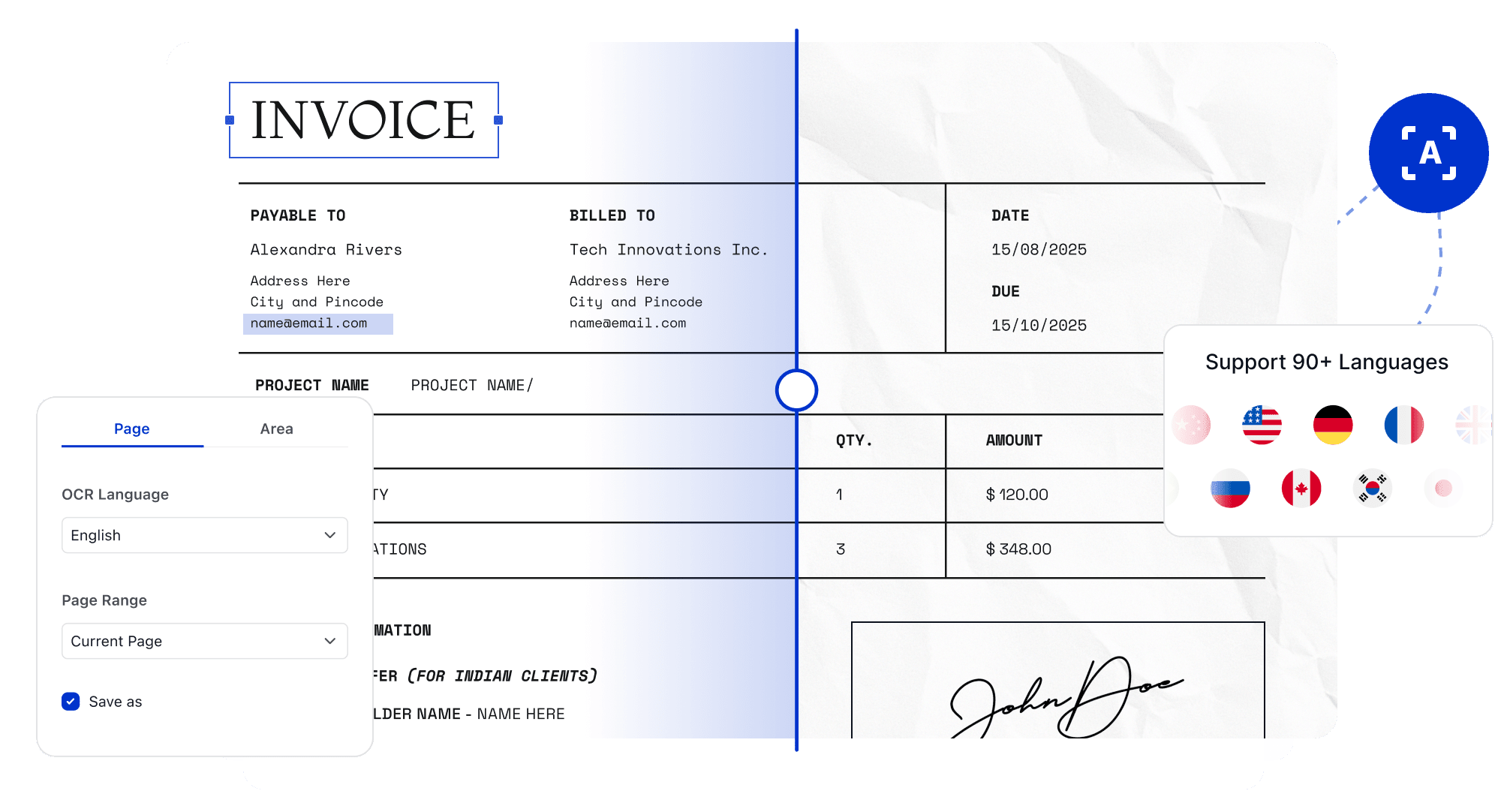
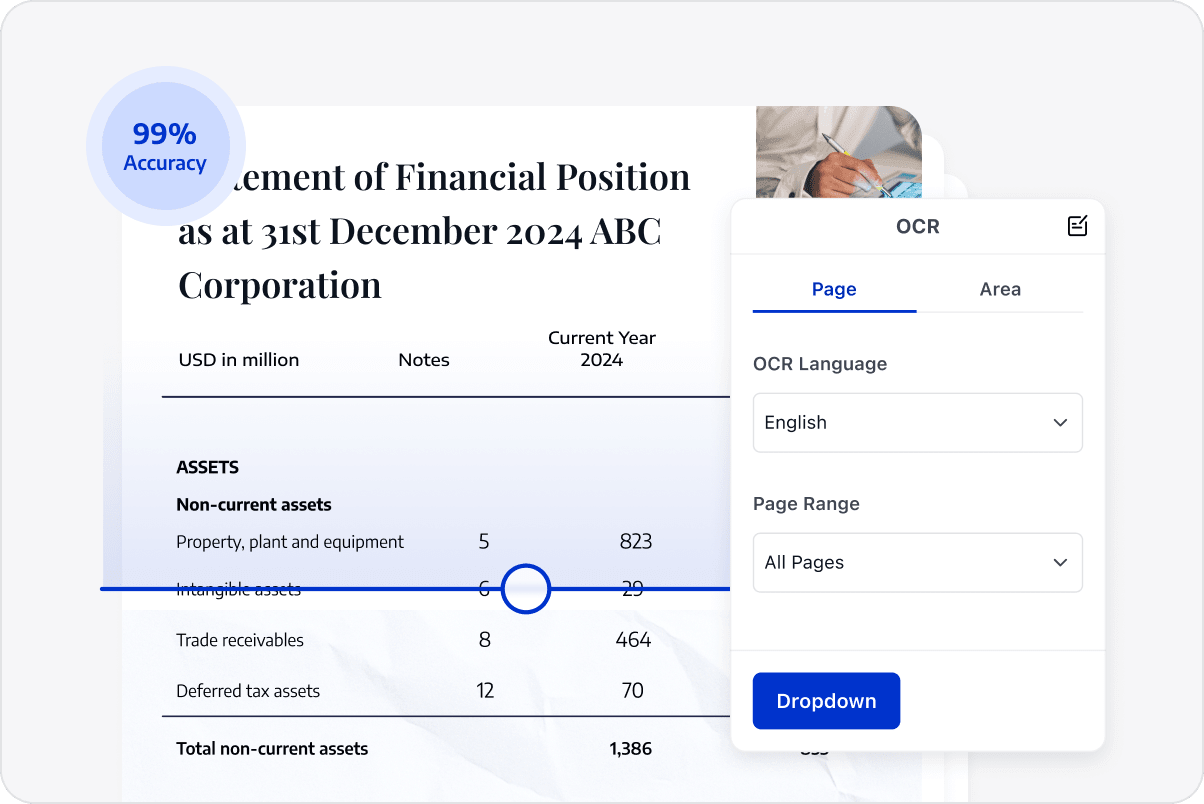
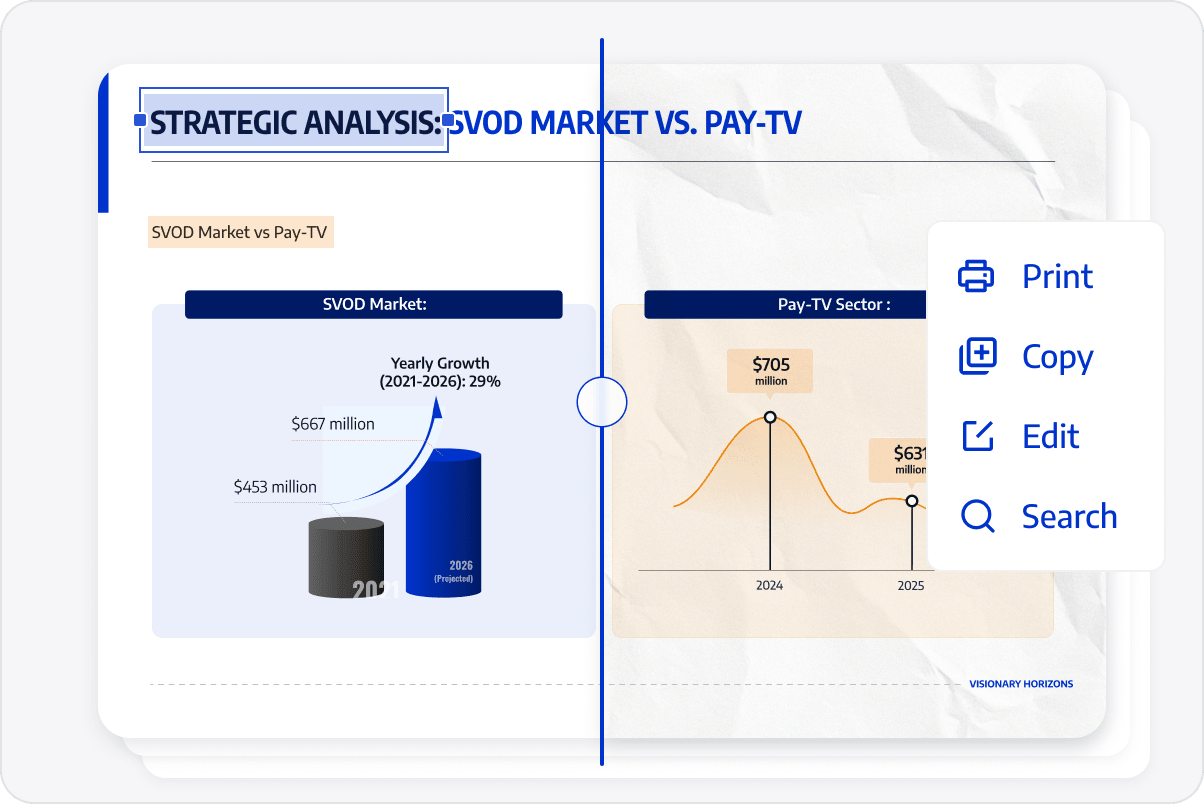
Run OCR on scanned reports, contracts, and historical records to make image-based text searchable and easier to copy.
Recognize Text across Scanned PDFs
Add Text Layers in Bulk
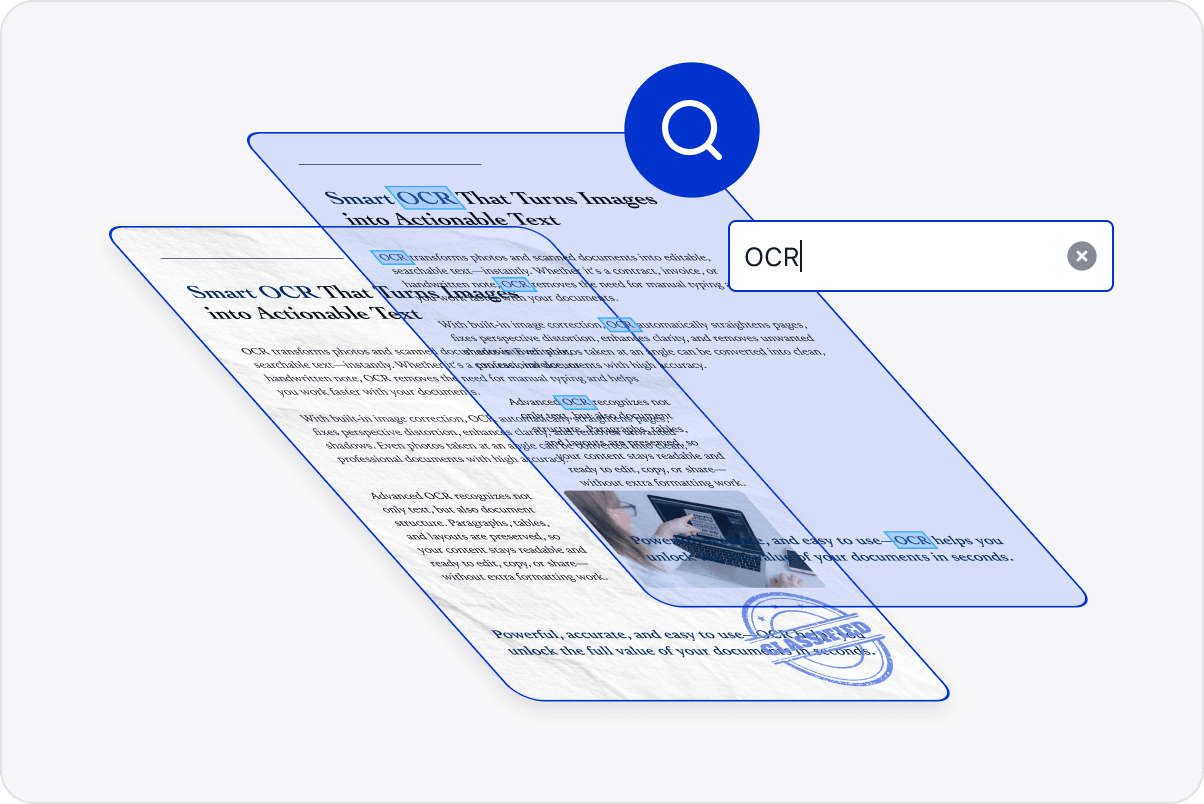
Add text layers across a batch so teams can locate content by keyword instead of searching page by page.
Add Text Layers in Bulk
Correct Image Quality for OCR
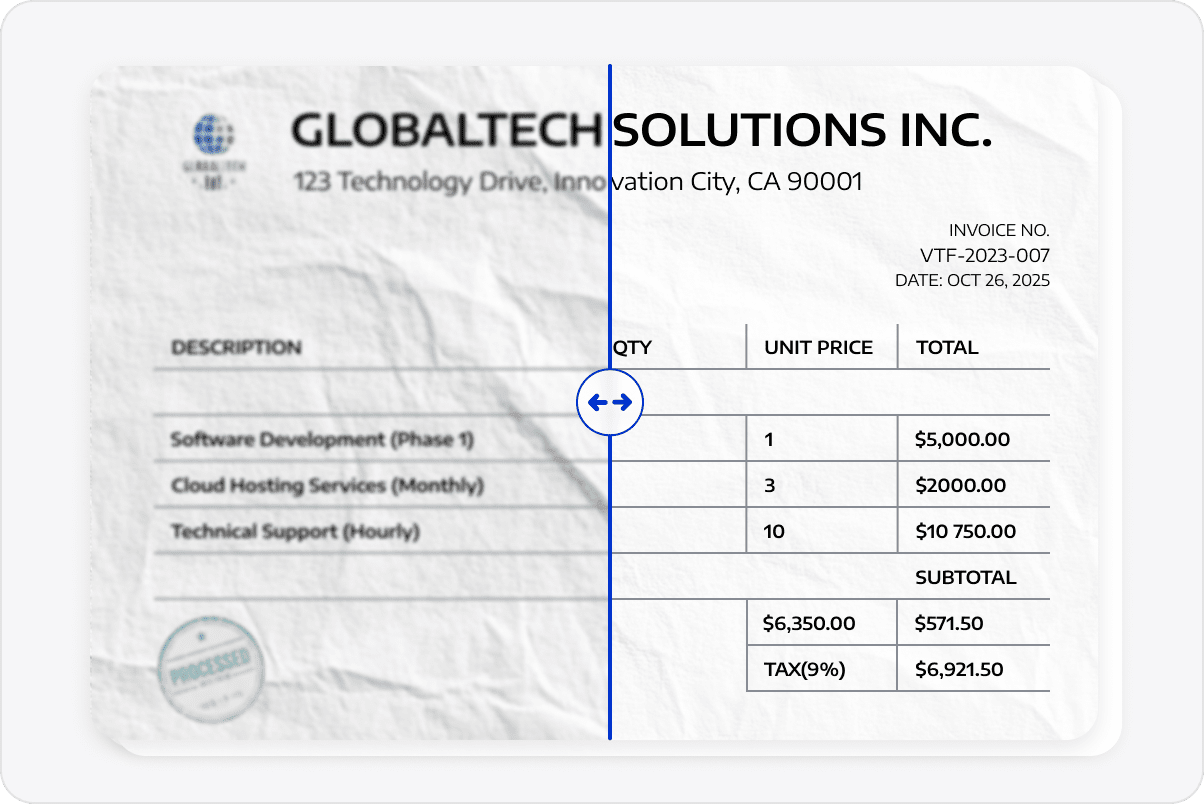
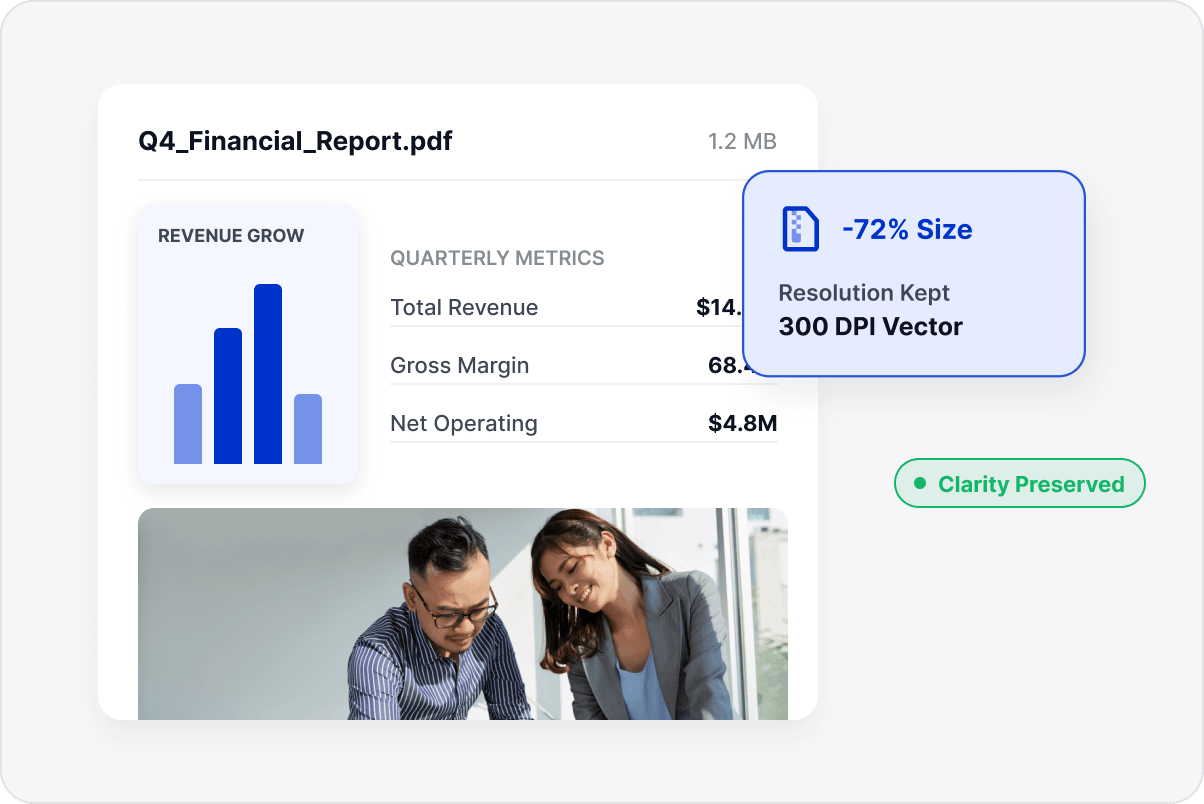
Correct skewed or distorted scans to improve the input for OCR and make text, tables, and pages easier to read.
Correct Image Quality for OCR
Preserve the Original Page Layout
Recognize text while retaining page structure and visual content where possible for editing, archiving, or data extraction.
Preserve the Original Page Layout
Continue Working with Scanned Documents
Continue editing, copying, and archiving recognized documents so historical materials can return to everyday work and content workflows.
Continue Working with Scanned Documents

Access LynxPDF Expert Library

Forward-looking insights and strategic guides for enterprise document management.
whitepaper
Explore Advanced Enterprise Features
Consult Our Sales Experts
Our team is available to address your specific enterprise requirements. Please complete the form below to initiate a consultation with a representative:
Initiate a 14-day trial of LynxPDF and the LynxPDF Admin Console.
Identify the optimal licensing structure for your organization.
Review industry-specific use cases and implementation strategies.
Secure Volume Discounts Up to 50%
Corporate Email
Full Name
Corporate Website
Country/Region
Search and select
Telephone Number
Search and select
-
Project Requirements
0 / 1000