Add Headers and Footers to Multiple PDFs

Add Headers and Footers
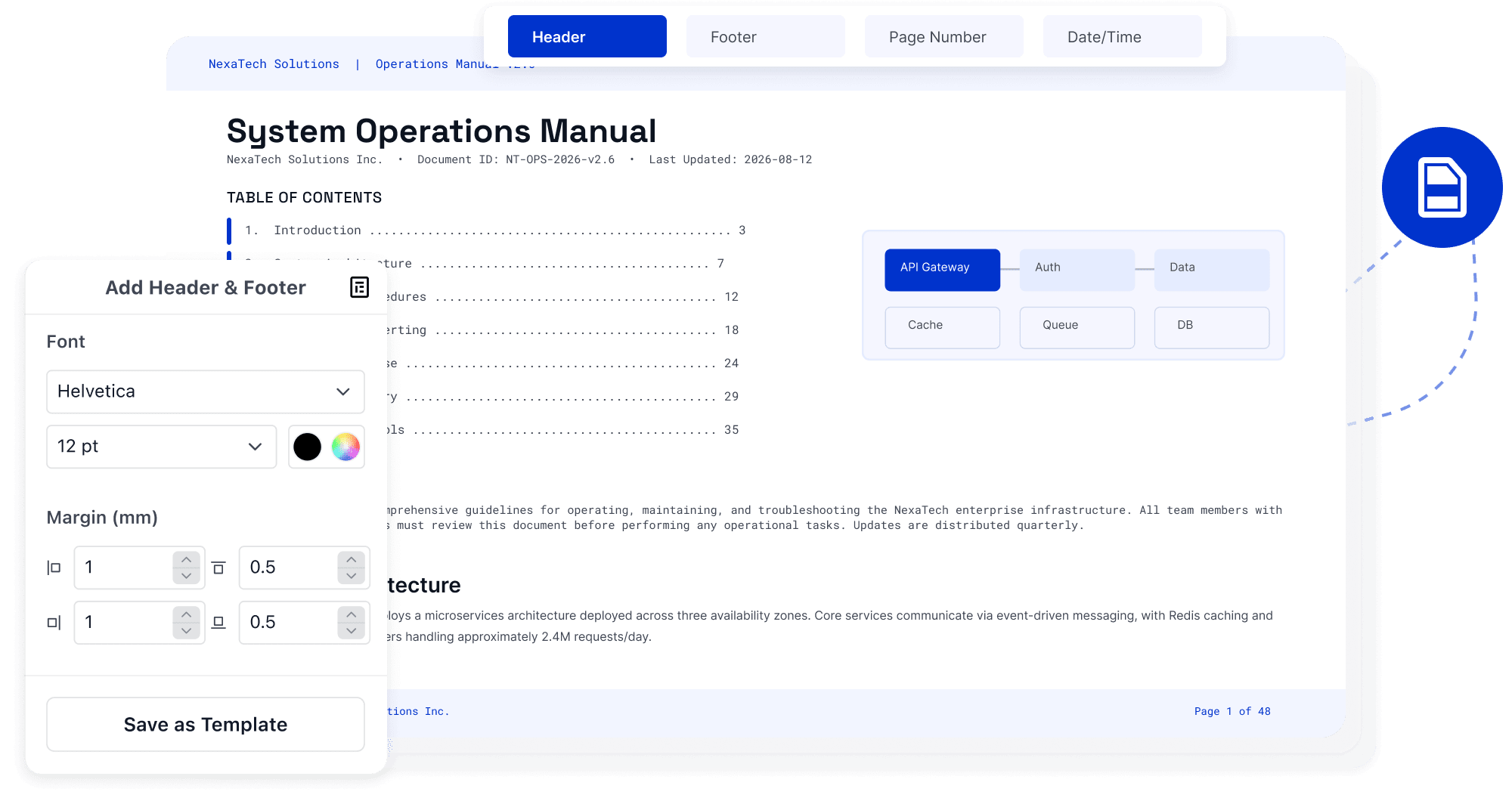
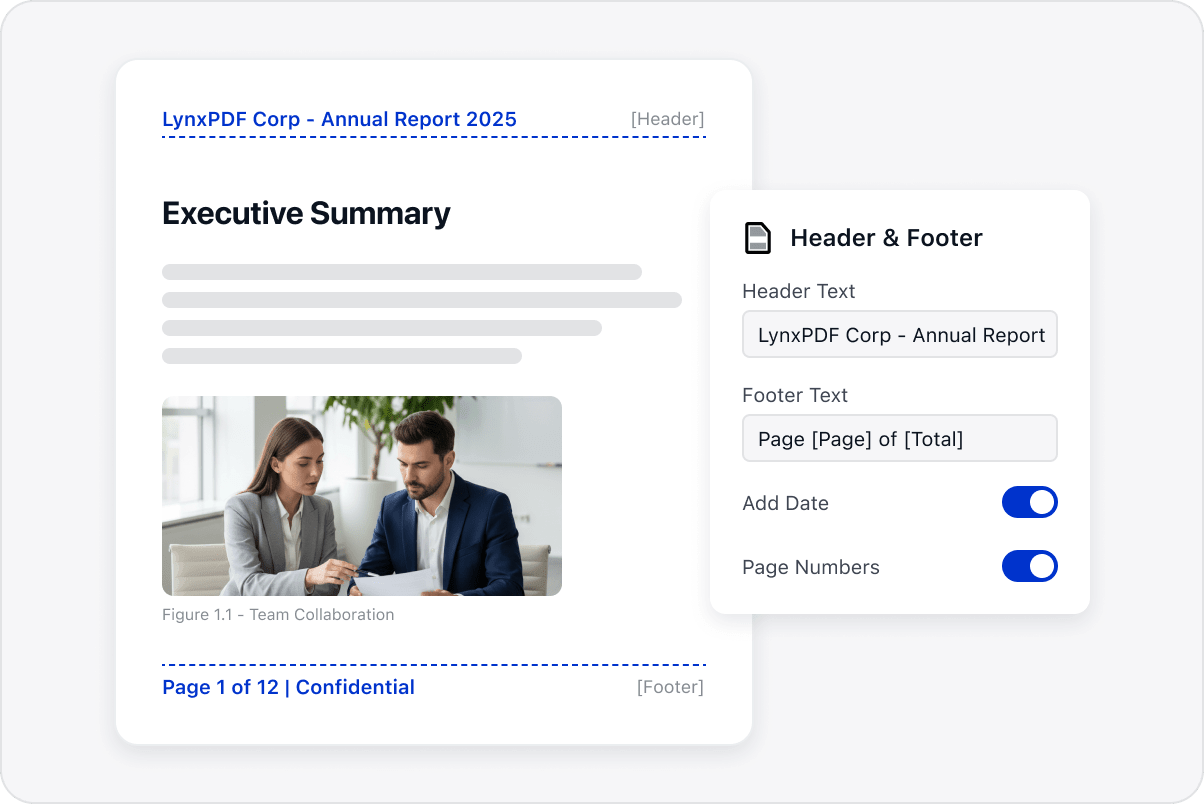
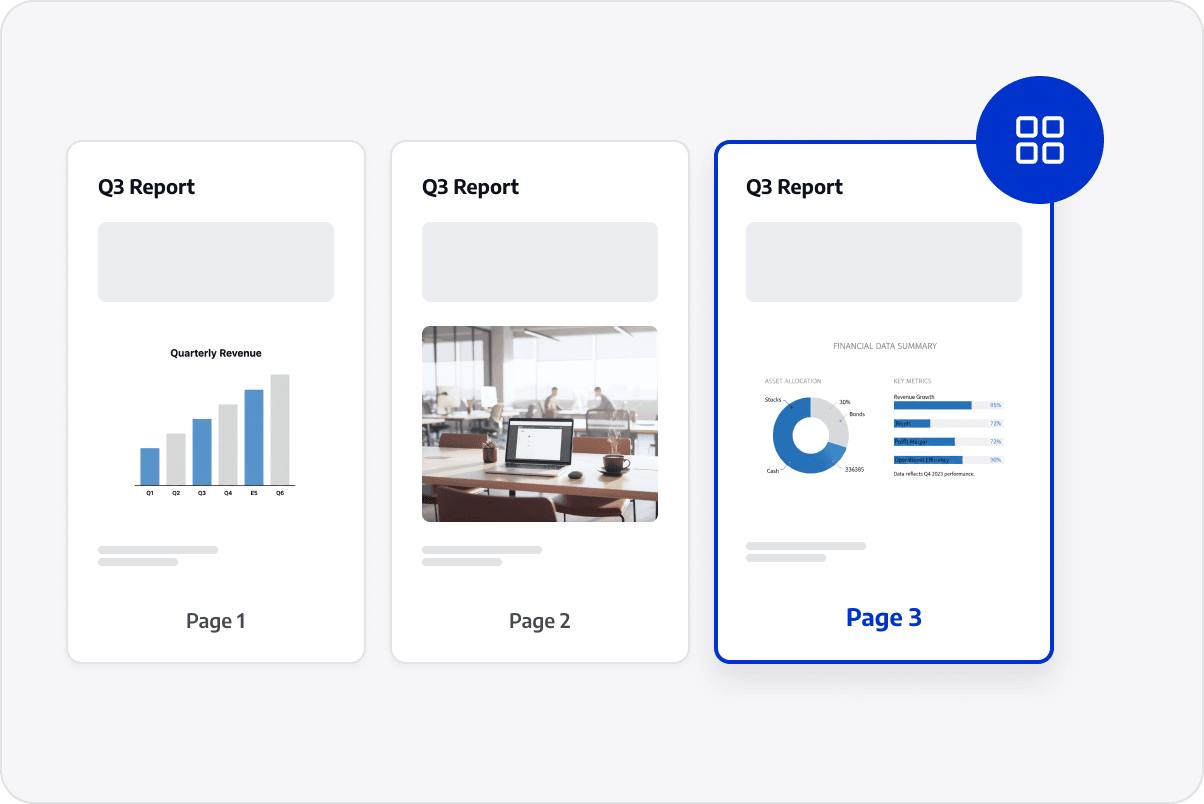
Add titles, dates, departments, or project names across reports, contracts, and document sets to clarify their source and purpose.
Add Headers and Footers
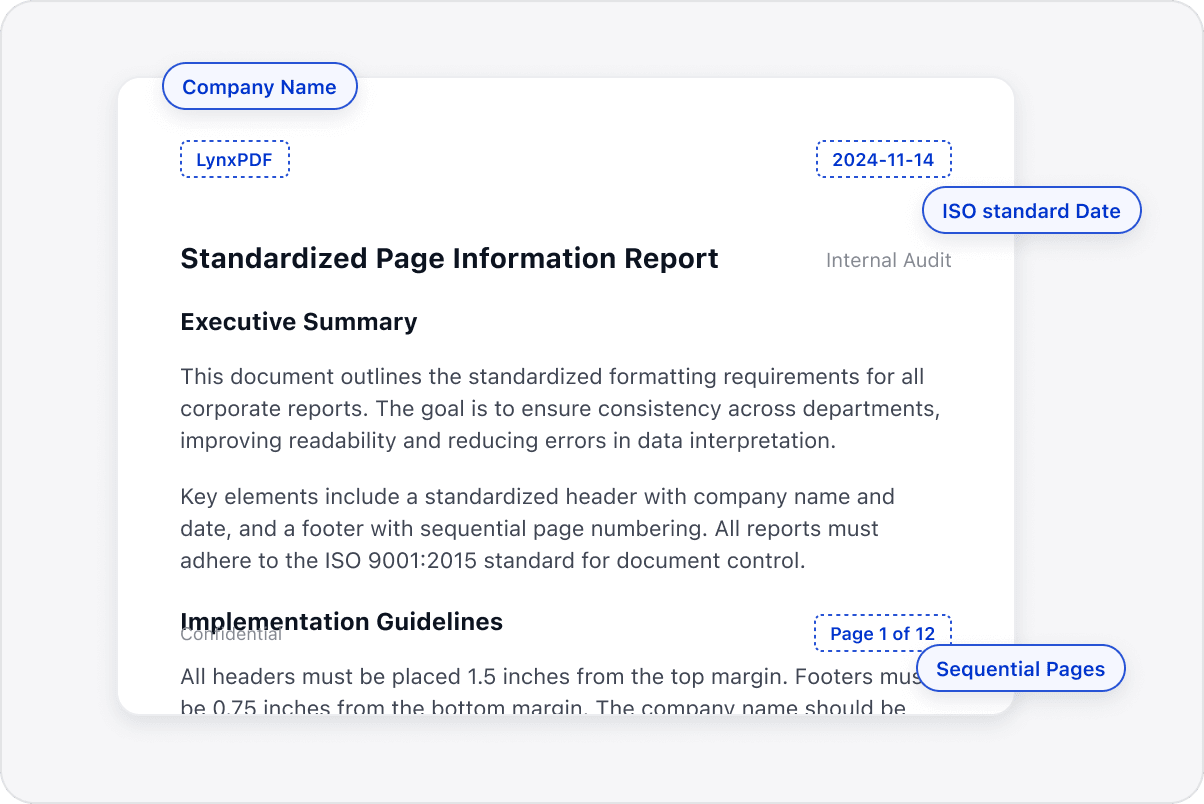
Standardize Page Information
Set content, fonts, colors, and margins to suit the layout and keep page information consistent across files.
Standardize Page Information
Add Sequential Page Numbers
Insert page numbers into multipage documents for easier reference, review, and archiving, checking placement to avoid covering content.
Add Sequential Page Numbers
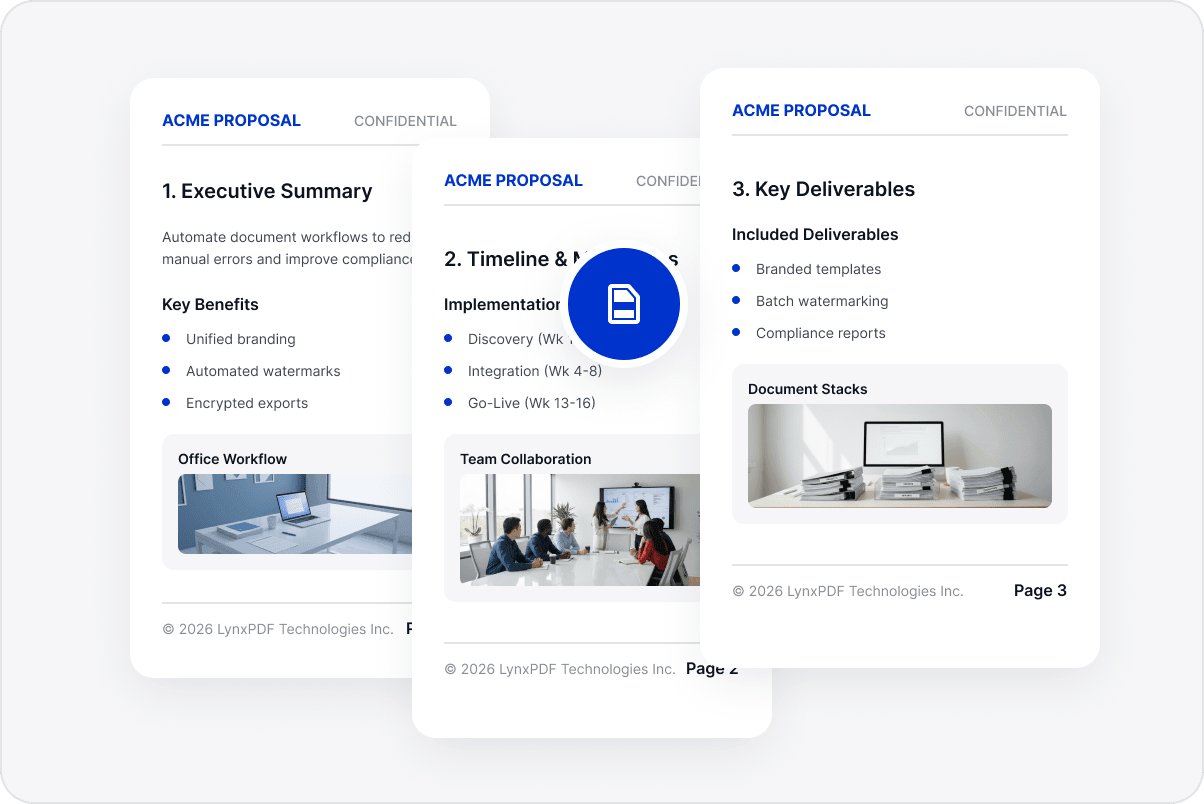
Apply Settings across a File Set
Use the same header and footer settings for a group of PDFs with less repeated setup before delivery or archiving.
Apply Settings across a File Set
Keep Document Styling Consistent
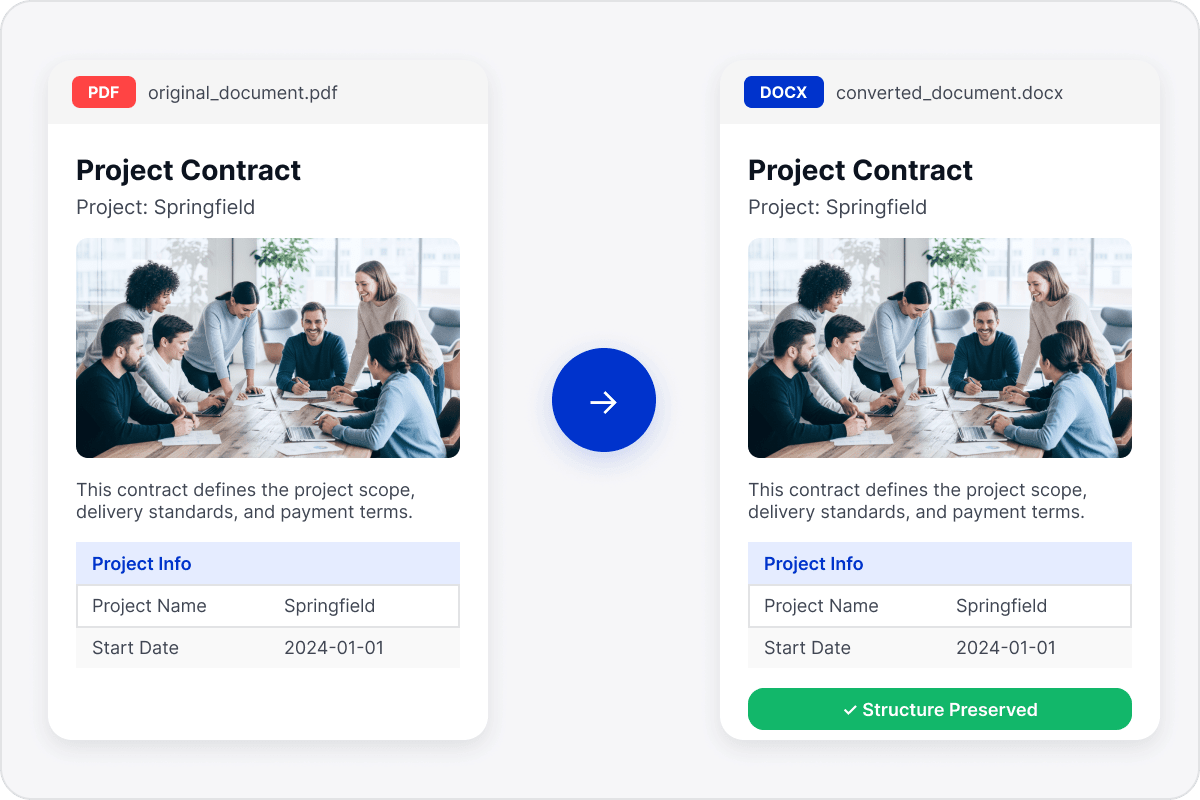
Keep reports, contracts, and document sets consistent at delivery so they are easier to read, reference, and manage over time.
Keep Document Styling Consistent

Access LynxPDF Expert Library

Forward-looking insights and strategic guides for enterprise document management.
whitepaper
Explore Advanced Enterprise Features
Consult Our Sales Experts
Our team is available to address your specific enterprise requirements. Please complete the form below to initiate a consultation with a representative:
Initiate a 14-day trial of LynxPDF and the LynxPDF Admin Console.
Identify the optimal licensing structure for your organization.
Review industry-specific use cases and implementation strategies.
Secure Volume Discounts Up to 50%
Corporate Email
Full Name
Corporate Website
Country/Region
Search and select
Telephone Number
Search and select
-
Project Requirements
0 / 1000