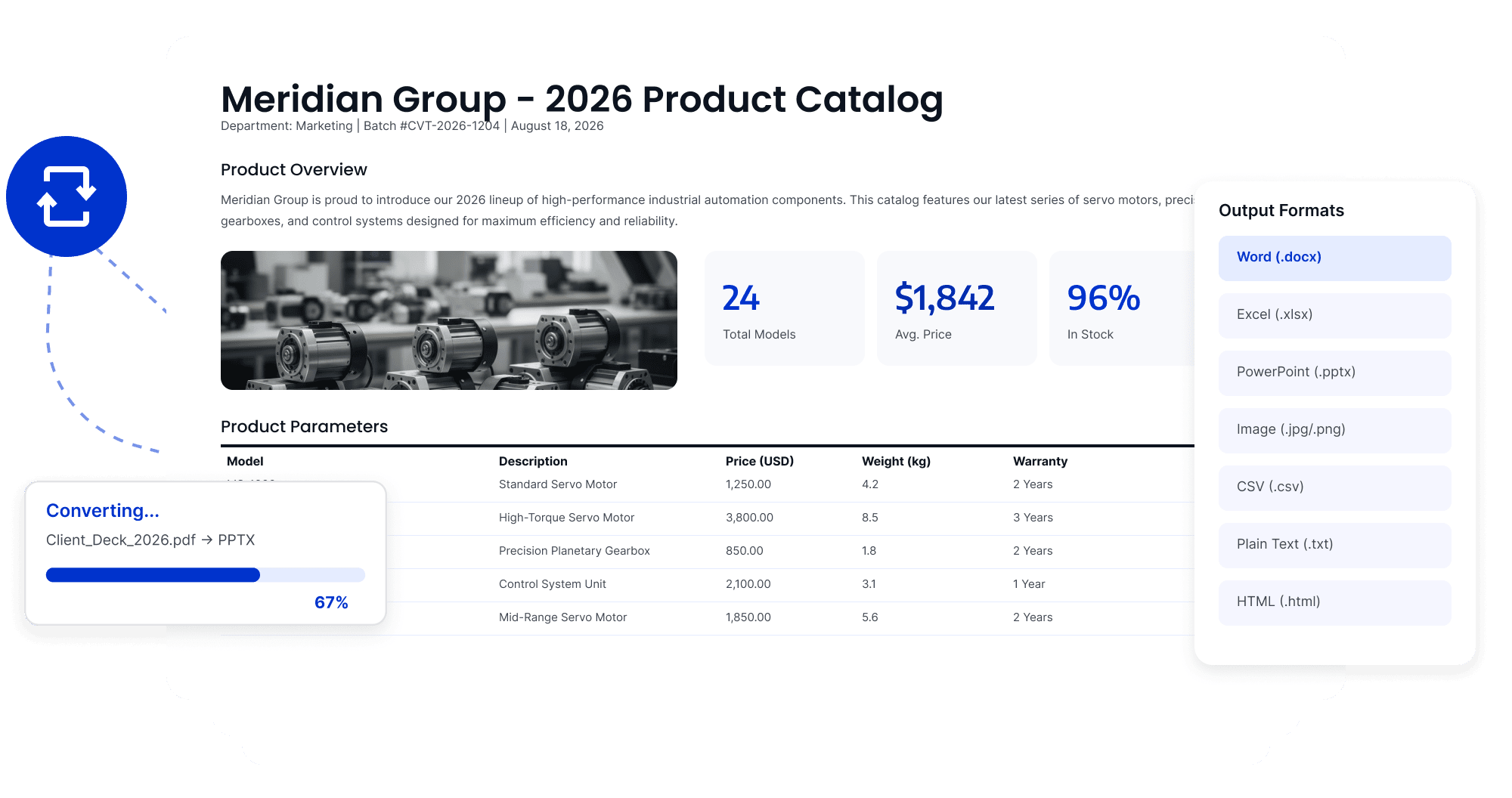
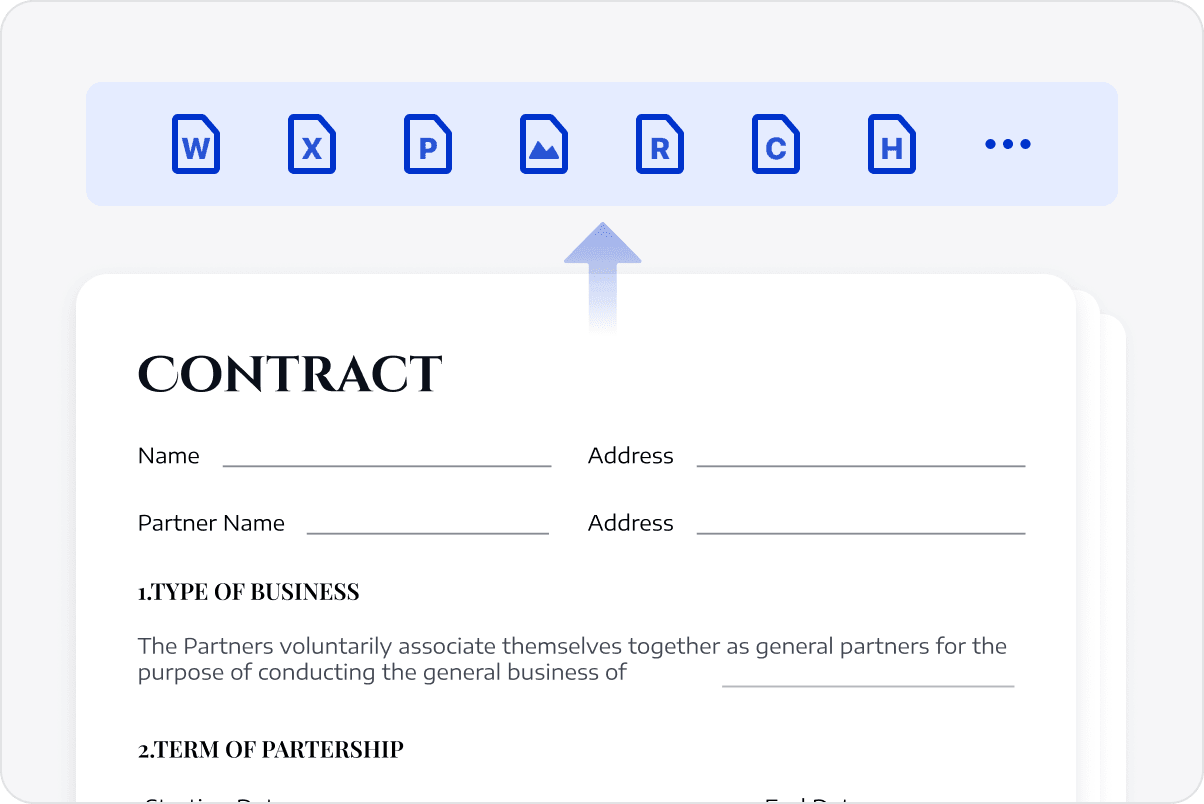
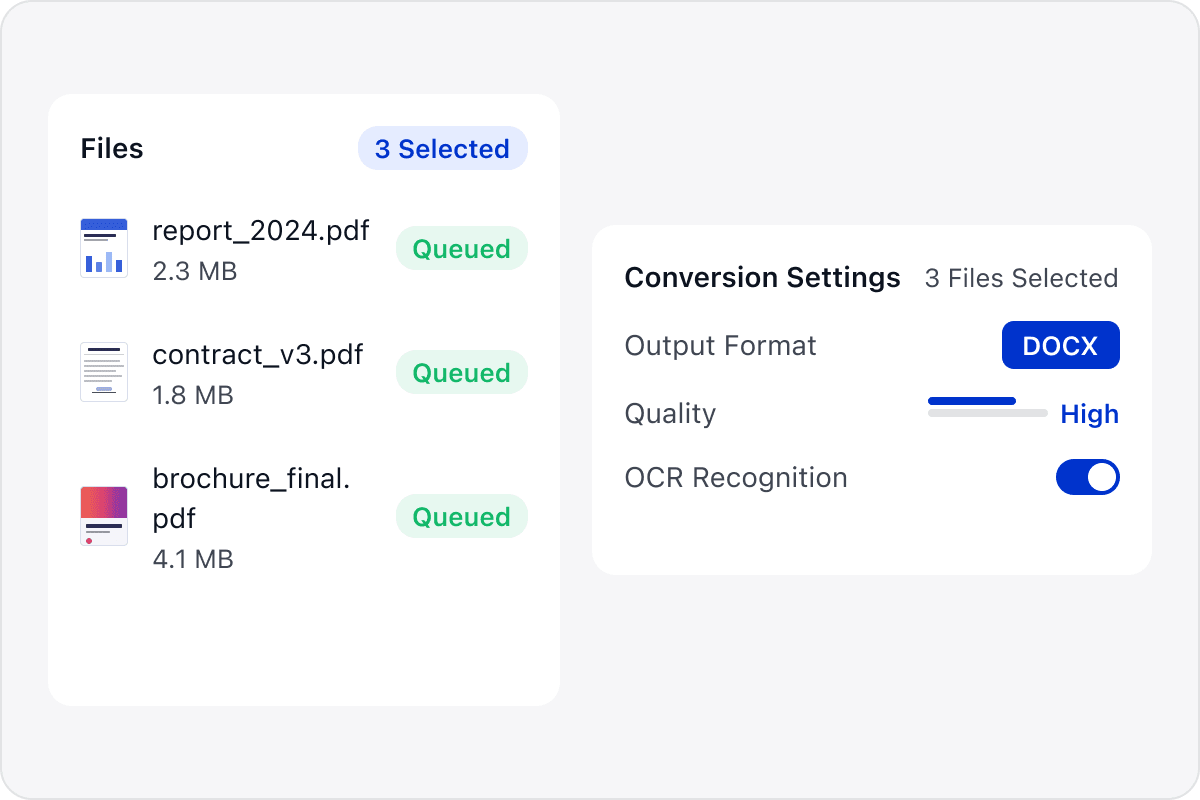
Convert multiple PDFs at once to Word, Excel, PowerPoint, images, or other target formats, reducing the time spent processing and saving files one by one.
Choose Formats for the Next Task
Select output formats for editing, analysis, sharing, or archiving so each document can move into the appropriate workflow.
Keep Batch Settings Consistent
Use consistent parameters and naming rules across a batch to reduce omissions and format differences.
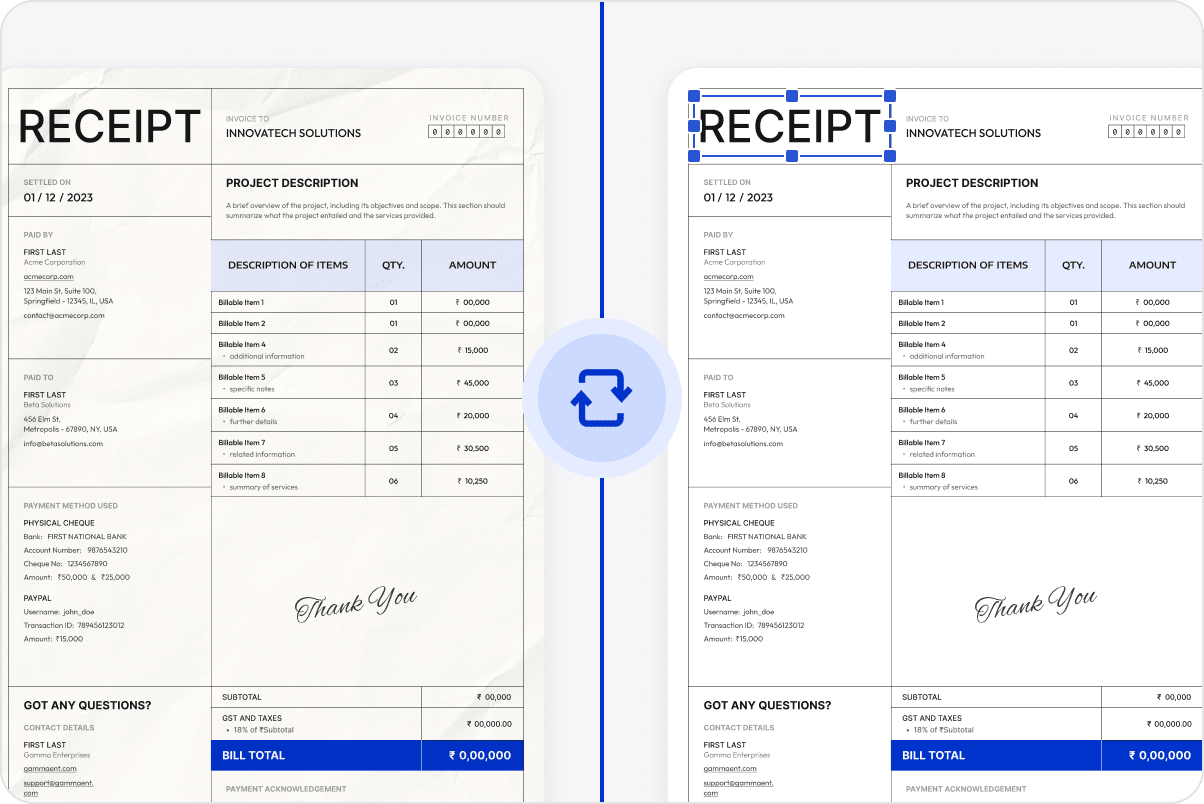
Preserve Content during Conversion
Retain document content, page structure, and layout relationships where possible to reduce misaligned tables or graphics.
Continue Editing and Using Converted Files
Continue editing, analyzing, sharing, or archiving the converted files so different business documents can move smoothly into the appropriate workflow.
Access LynxPDF Expert Library
Forward-looking insights and strategic guides for enterprise document management.
Our team is available to address your specific enterprise requirements. Please complete the form below to initiate a consultation with a representative:
Initiate a 14-day trial of LynxPDF and the LynxPDF Admin Console.
Identify the optimal licensing structure for your organization.
Review industry-specific use cases and implementation strategies.