Improve Tax Document Review Efficiency with LynxPDF

LynxPDF helps accounting teams organize tax files, invoices, receipts, statements, and client records for more accurate review, filing, and delivery.
Secure Volume Discounts Up to 50%
Corporate Email
Full Name
Corporate Website
Country/Region
Search and select
Telephone Number
Search and select
-
Project Requirements
0 / 1000
Benefits
Features
Resources
Trusted by

Why Choose LynxPDF

Consult Sales

Talk to the LynxPDF team about document workflows, supported features, deployment requirements, and pricing.

Reduce Manual Document Handling

Process multiple invoices, receipts, and financial attachments with batch conversion, then organize them by client or period.

Improve Review Consistency

Organize page order, annotations, form fields, and the final version for consistent team review.

Protect Sensitive Information

Use access permissions, redaction, password protection, watermarks, and e-signatures to protect sensitive documents.

Workflow Capabilities

Keep financial records usable and controlled for daily accounting, audits, and future reference.

Make Financial Records Easier to Extract, Review, and Archive

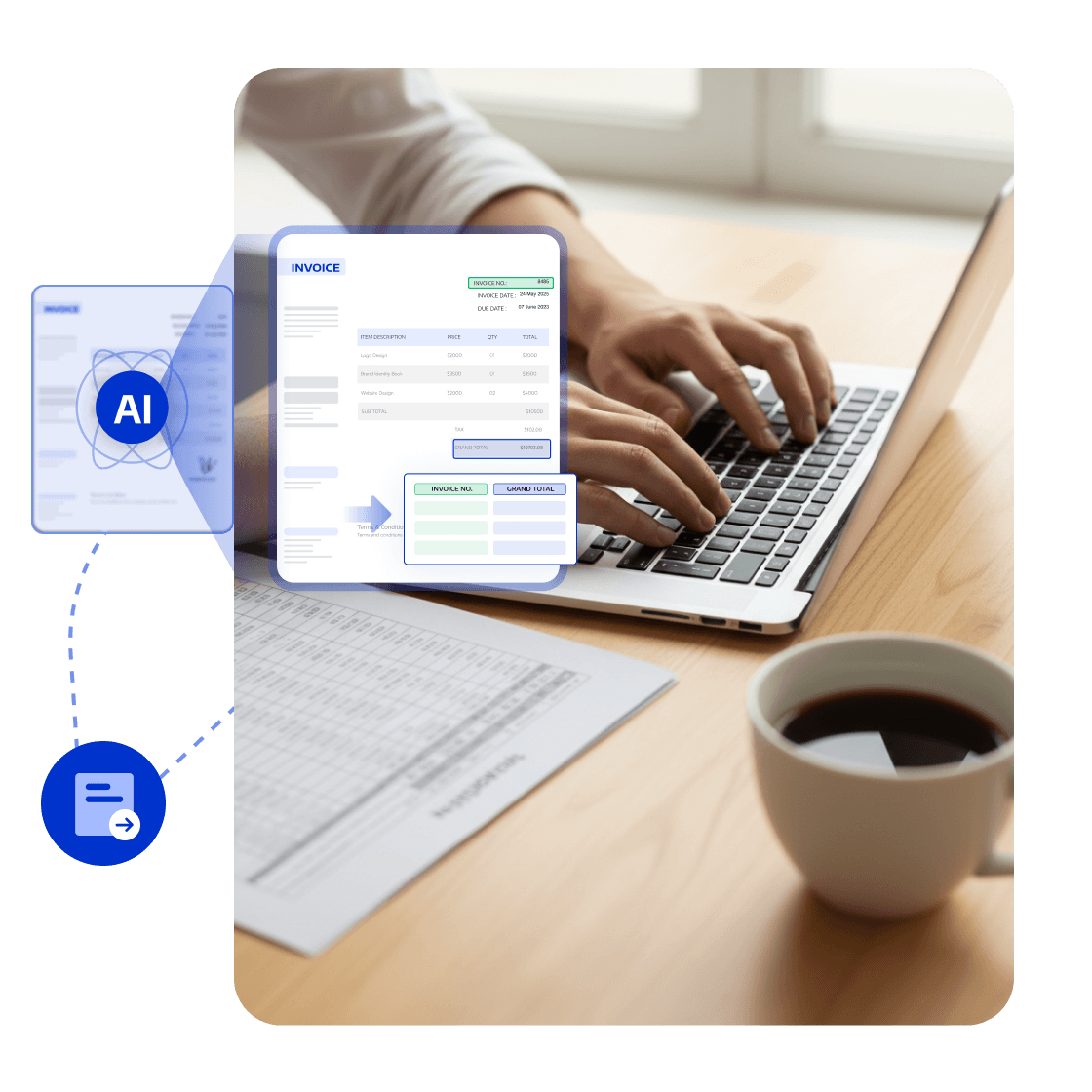
OCR and Conversion: Process Financial Records

Convert scanned invoices, receipts, and statements into searchable PDFs and export them to Excel or Word when needed.
Accountants can find and extract amounts and dates faster, reducing manual entry and speeding review.
<span style="color:#0033CC">OCR and Conversion</span>: Process Financial Records

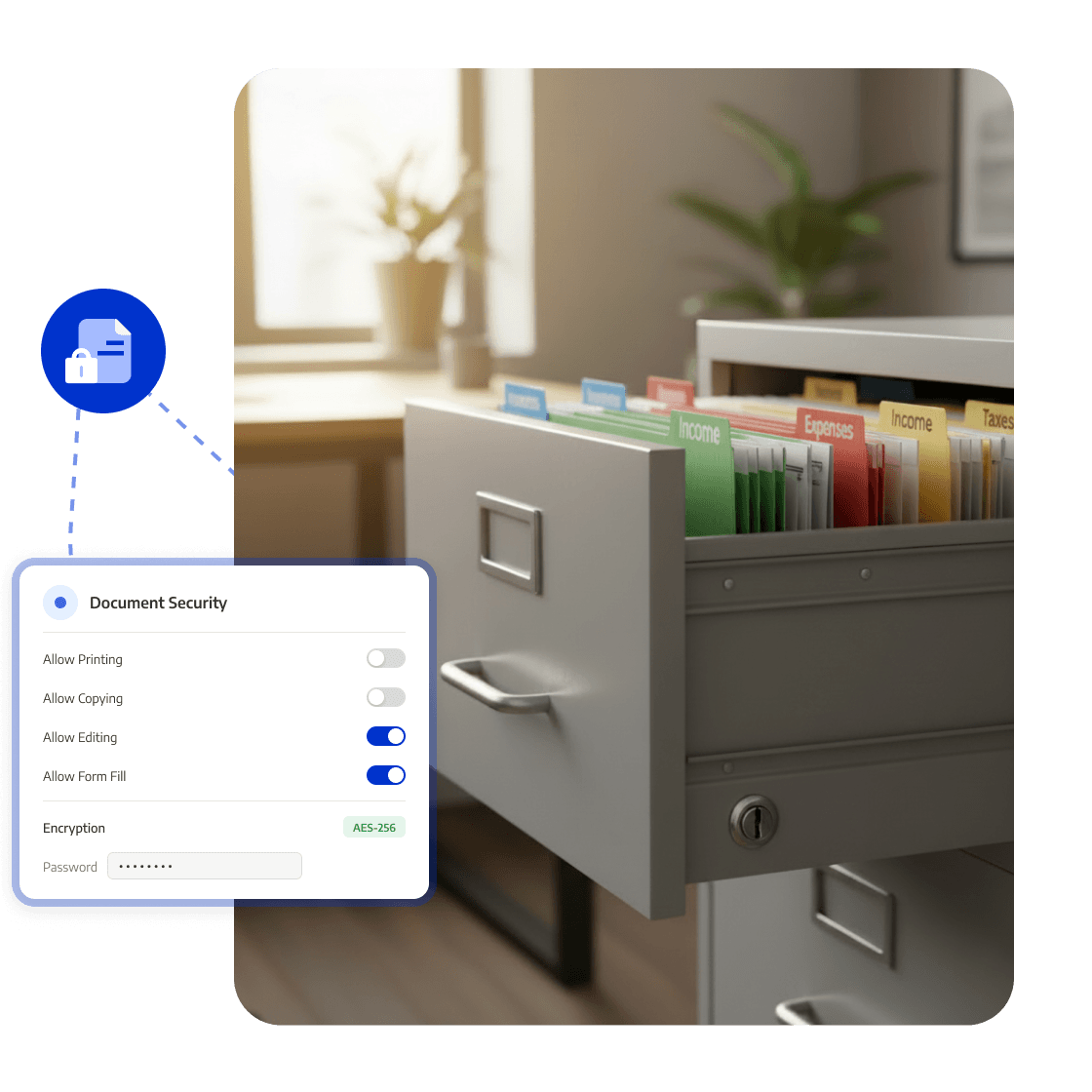
Permissions: Protect Financial Files

Set passwords for files containing account, tax, and client financial data, and restrict copying, printing, and editing.
Financial materials remain safer as they move among clients, colleagues, and external collaborators.
<span style="color:#0033CC">Permissions</span>: Protect Financial Files

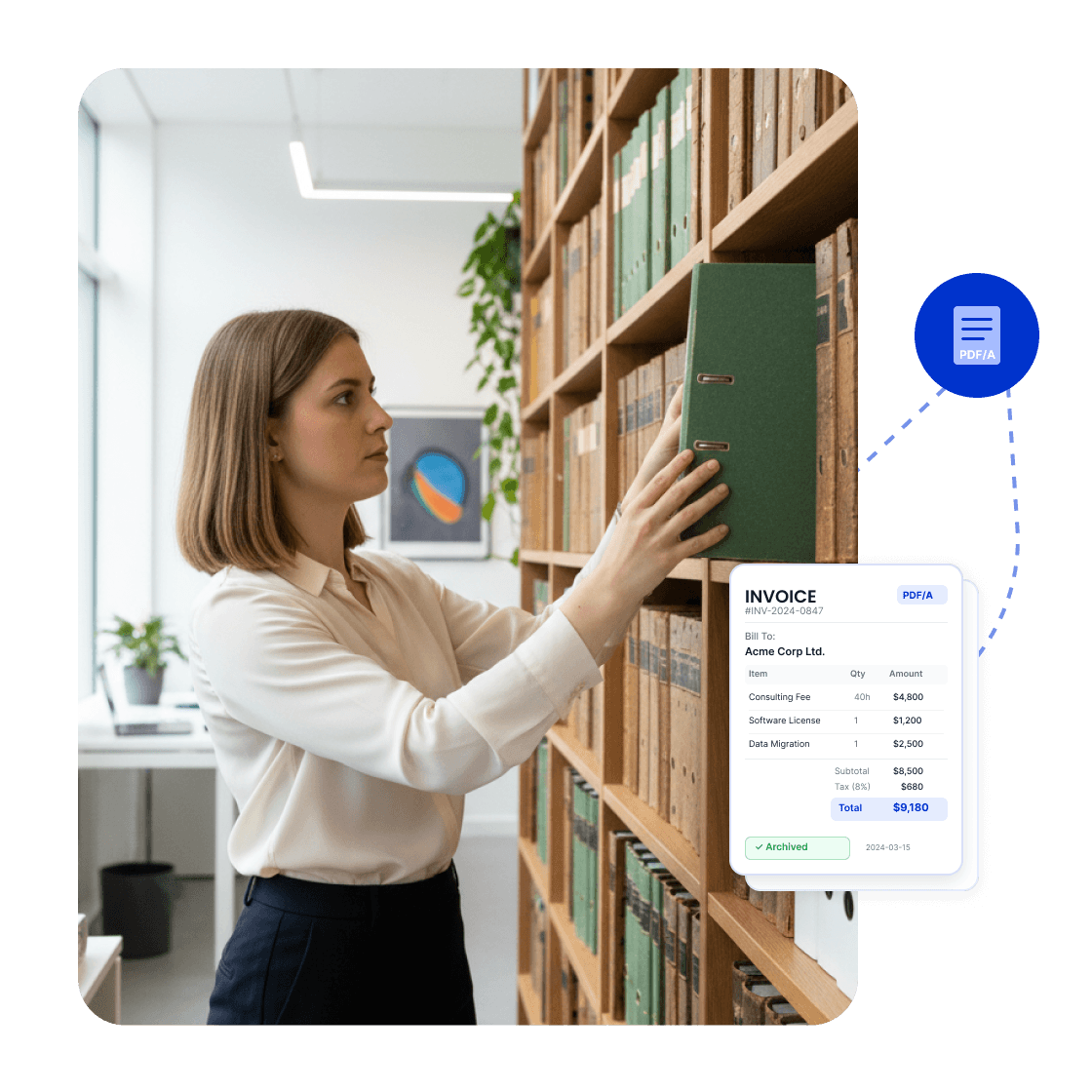
PDF/A: Archive Accounting Records

Convert statements, vouchers, and tax materials into PDF/A files suited for long-term storage with a consistent archive structure.
Financial archives remain stable, readable, and traceable for later audits and reference.
<span style="color:#0033CC">PDF/A</span>: Archive Accounting Records

PDF to Excel: Extract Financial Data

Convert statements, invoices, and vouchers to Excel or other editable formats for organizing amounts, dates, and account fields.
Reduce manual entry and complete accounting, analysis, and audit preparation faster.
<span style="color:#0033CC">PDF to Excel</span>: Extract Financial Data

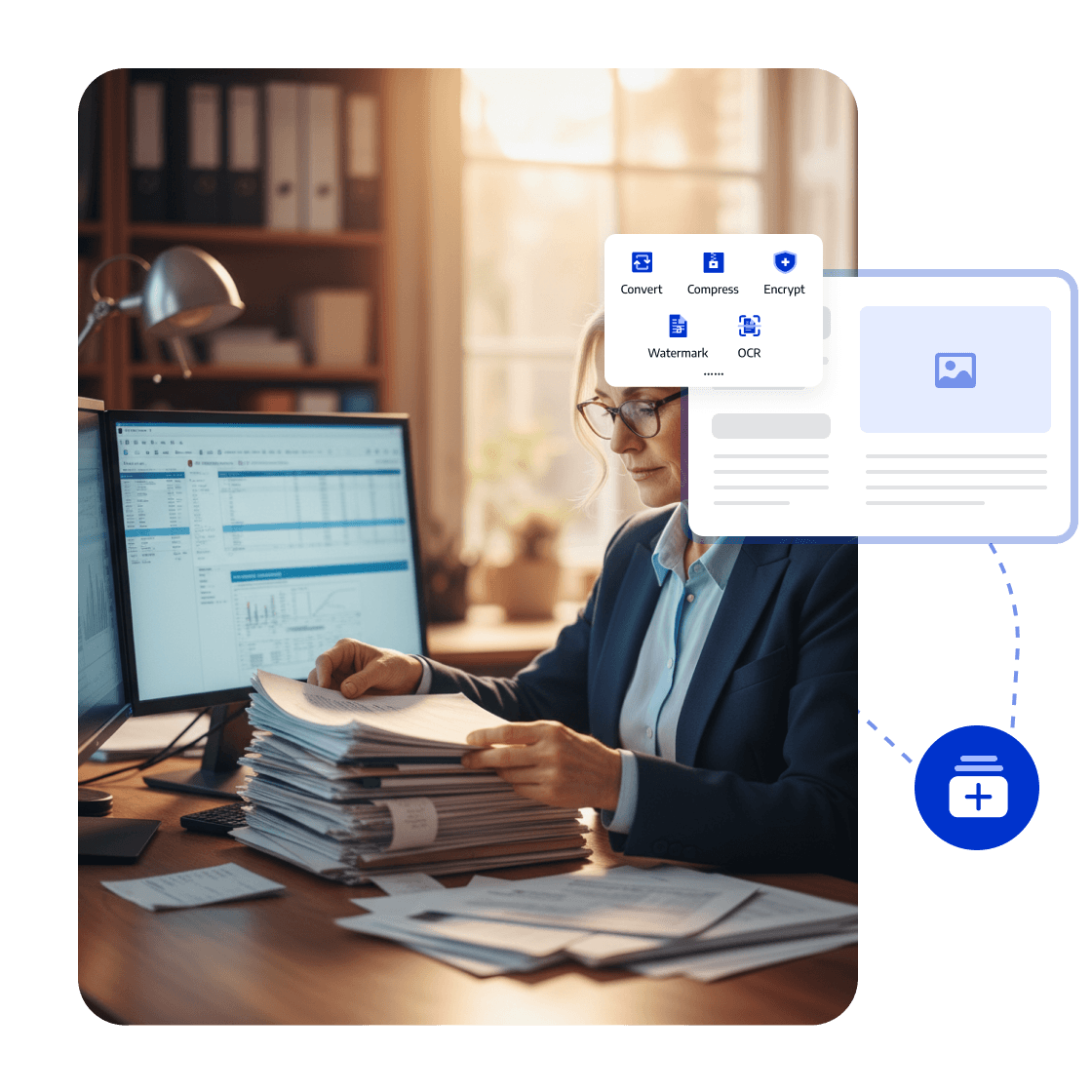
Batch Conversion: Process Financial Attachments

Batch-convert invoices, vouchers, and financial attachments, then organize them by client or period.

Spend less time on repetitive file processing and more time on checking and audit preparation.
<span style="color:#0033CC">Batch Conversion</span>: Process Financial Attachments
Whitepaper

PDF Digitization: Organize, Review, and Deliver Faster

whitepaper
Trusted by Enterprises Globally

The Strategic Adobe Alternative

LynxPDF provided our teams with a comprehensive PDF suite—featuring advanced editing, robust compliance, and seamless deployment—without the burden of exorbitant subscription fees.

avatar
Laura Chen
Operations Manager

Enterprise-Grade Security & Automation

Deploying LynxPDF on-premise ensured total sovereignty over our document workflows. By maintaining all data within our internal infrastructure, we have significantly mitigated security risks.

avatar
Michael Torres
Chief Information Officer

Unified Document Management

LynxPDF consolidated our fragmented toolset. Reviewing, editing, signing, and converting files is now a streamlined process, resulting in a measurable increase in organizational efficiency.

avatar
Robert Kim
IT Project Manager

The Strategic Adobe Alternative

LynxPDF provided our teams with a comprehensive PDF suite—featuring advanced editing, robust compliance, and seamless deployment—without the burden of exorbitant subscription fees.

avatar
Laura Chen
Operations Manager

Enterprise-Grade Security & Automation

Deploying LynxPDF on-premise ensured total sovereignty over our document workflows. By maintaining all data within our internal infrastructure, we have significantly mitigated security risks.

avatar
Michael Torres
Chief Information Officer

Unified Document Management

LynxPDF consolidated our fragmented toolset. Reviewing, editing, signing, and converting files is now a streamlined process, resulting in a measurable increase in organizational efficiency.


avatar
Robert Kim
IT Project Manager
iconiconiconiconiconiconicon

Industry Workflow Case

Turn Scanned Records into Financial Files Ready to Archive

Run OCR on invoices, vouchers, and statements, convert data for analysis, and save final materials as PDF/A for long-term archiving.

Business OutcomeAccounting teams can reduce manual entry while retaining financial records ready for review, audits, and long-term reference.
Consult Sales
Industry Workflow

Organize Financial Records

01

Identify Scanned Invoices and Statements

Extract and check data

02

Convert to Excel or Editable Formats

Prepare the financial archive

03

Batch-Convert and Save as PDF/A

Create the final file

Related PDF Features for Accounting Teams

FAQ
How Does LynxPDF Support Financial Document Processing?
LynxPDF supports invoices, supporting financial records, tax documents, and financial statements with OCR, PDF to Excel conversion, password encryption, PDF/A, and batch conversion.