

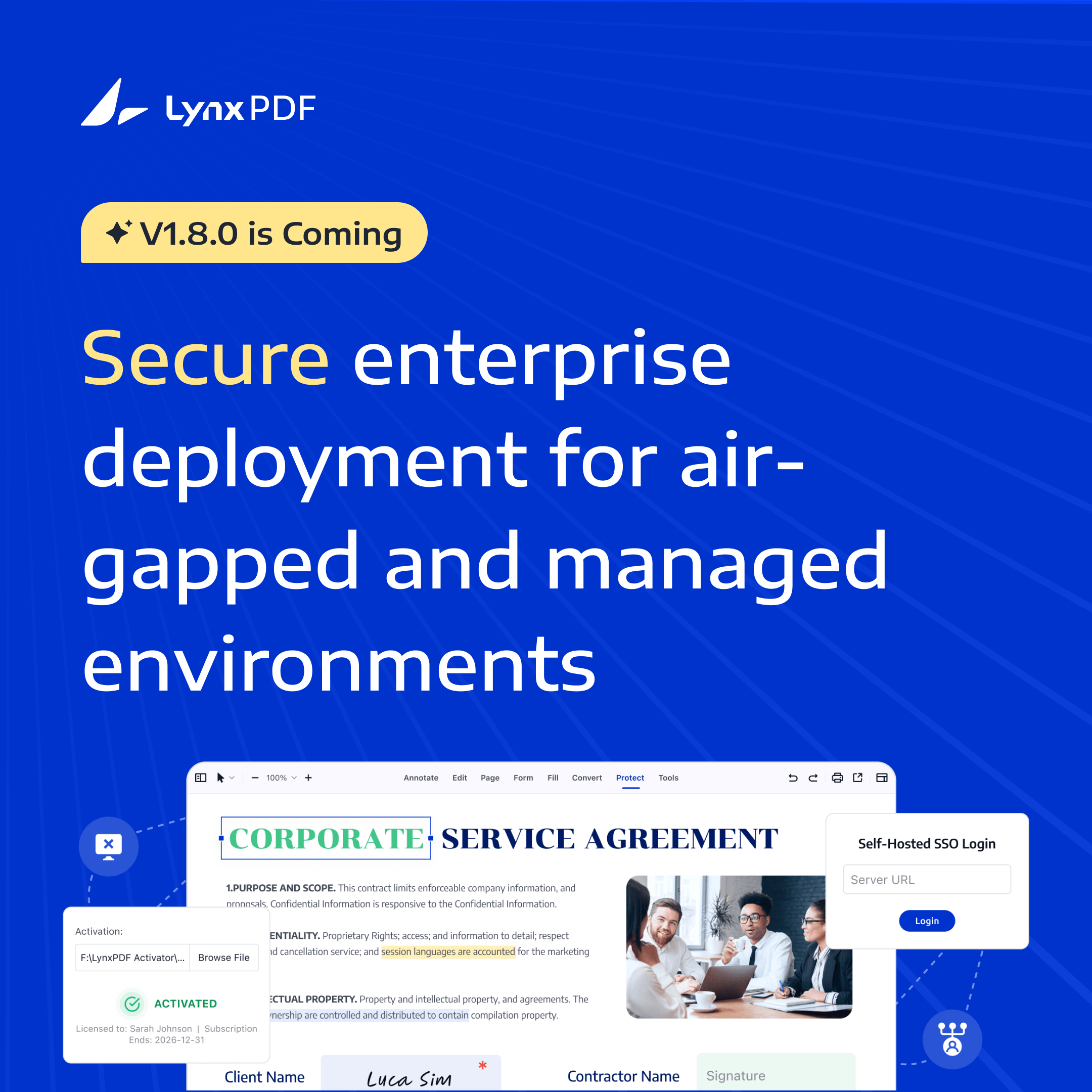
LynxPDF 1.8.0 is now available on Windows, Mac, and Android. This release is built for enterprise deployment environments with strict security and compliance requirements. It brings two key capabilities: Offline Activation, which enables device authorization and software activation in environments without internet access, and SSO-Active Directory (SSO-AD) Login, which connects LynxPDF to Active Directory for unified enterprise authentication.
Together, these two capabilities address a common challenge in enterprise PDF software adoption: the inability to activate software in offline environments, and the need to integrate with existing enterprise identity systems.
Key Takeaways
-
LynxPDF 1.8.0 adds offline activation — software can be authorized and run in fully air-gapped environments without any internet dependency
-
It also brings SSO-AD login — employees log in with existing enterprise AD credentials, eliminating the need for a separate account system
-
Both capabilities are publicly documented as standard features, reducing the back-and-forth IT teams typically face when verifying deployment compatibility across vendors
-
Designed for government, financial, education, and large enterprise environments where network isolation or identity governance is a hard requirement
Two Constraints in Enterprise PDF Deployment
When organizations roll out PDF software at scale, deployment environment and identity management often become blockers before any feature evaluation can begin.
Offline and Air-Gapped Environments
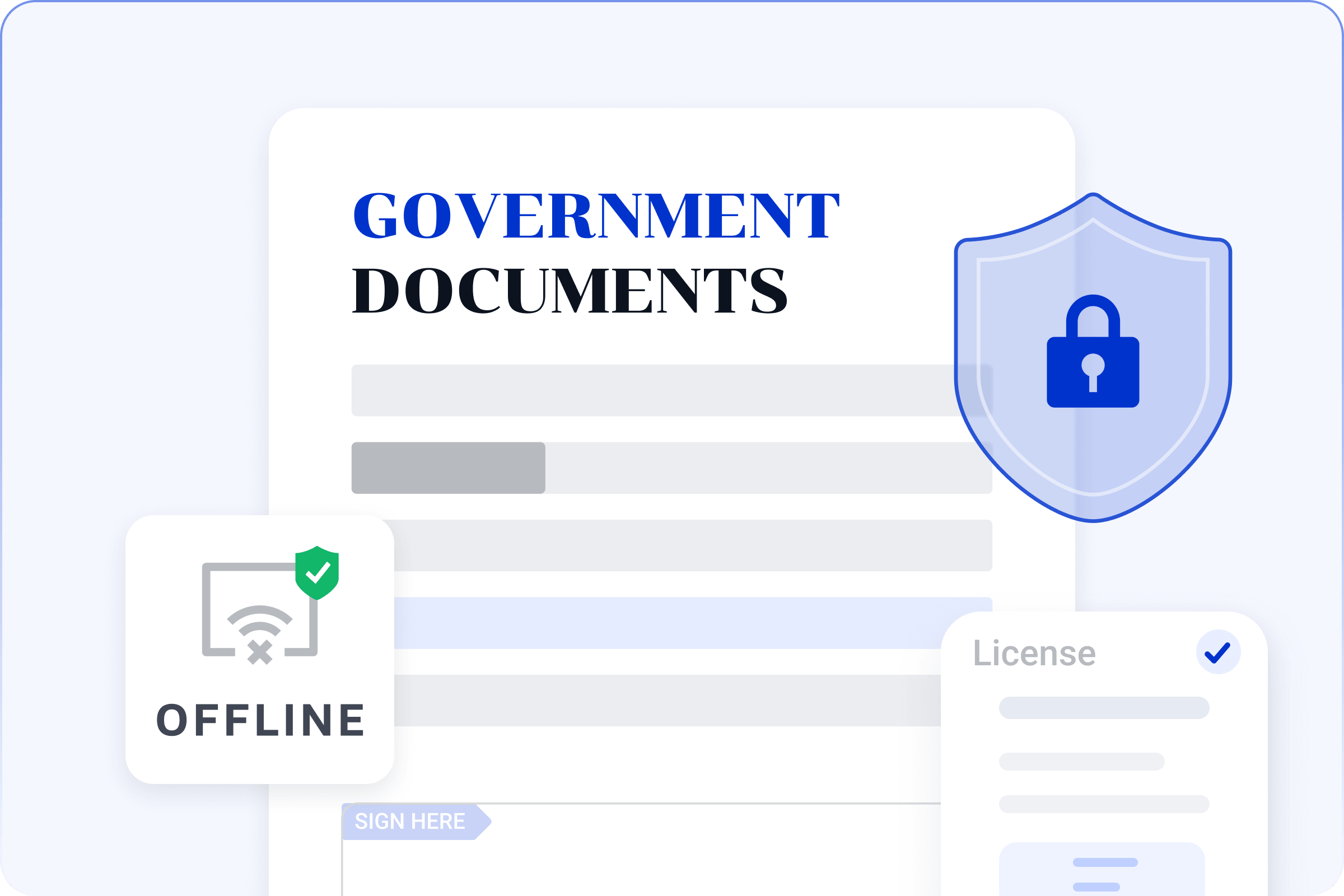
Many organizations operate under strict network isolation or security policies. Internal networks have no public internet access, endpoints are prohibited from connecting to external authorization servers, and software deployment must occur entirely within air-gapped environments.
In these settings, traditional online activation methods—which rely on reaching a license server over the internet—simply do not work. Organizations need an offline path to authorize and activate their software.
Common scenarios include: government and classified facilities with physically isolated internal networks, financial compliance zones where business terminals are disconnected from the internet, education and exam lab environments with tightly controlled network access, and manufacturing shop floors where operational and office networks are strictly separated.
Enterprise Identity Systems (AD / SSO)
Many mid-sized and large organizations have already built a unified identity infrastructure centered on Active Directory (AD). Employee accounts are centrally managed by IT, login permissions are tied to organizational structure, and the full account lifecycle—onboarding, offboarding, and permission changes—is controlled by the identity system.
When PDF software operates on its own separate account system, IT teams face additional maintenance overhead, fragmented identity management across systems, and increased difficulty in security auditing. Organizations naturally prefer software that can plug into their existing identity system (SSO / AD) rather than running a parallel account infrastructure.
How the Industry Handles This vs. How LynxPDF Does
Common Industry Practice
Across the industry, offline activation instructions typically live inside technical support documentation or customer support workflows. AD and SSO integration capabilities often require a separate consultation or enterprise deployment configuration. These capabilities are not always surfaced on public product pages.
For IT procurement teams, this means verifying system compatibility vendor by vendor during the evaluation phase—adding time and friction to the selection process.
LynxPDF 1.8.0 Approach
In LynxPDF 1.8.0, these capabilities are provided as standard enterprise features: a standardized offline activation workflow that supports internal network deployment, native integration with enterprise Active Directory, and enterprise deployment capabilities documented as public product features.
The goal is to reduce the communication overhead and uncertainty organizations face during evaluation.
What LynxPDF 1.8.0 Brings to the Table
Offline Activation
Offline Activation enables LynxPDF to complete device-level authorization and activation without a network connection.
Workflow (Admin-Side):
-
Run the offline activation tool on the target device to extract its unique hardware identifier
-
The enterprise admin collects the identifiers from all target devices and submits them to the LynxPDF authorization system
-
The system generates a device-bound .lic authorization file based on the license information and returns it to the admin
-
The admin places the .lic file in the activation tool directory and clicks Activate to complete authorization
How It Works:
-
Each authorization is bound to a specific device identifier—one .lic file maps to one device and cannot be reused across devices
-
The activation process requires no internet connection. Once activated, the software runs fully offline for the duration of the license period
-
If the device hardware undergoes significant changes (such as replacing core components), the device identifier may change, requiring a new activation file
SSO-AD Login
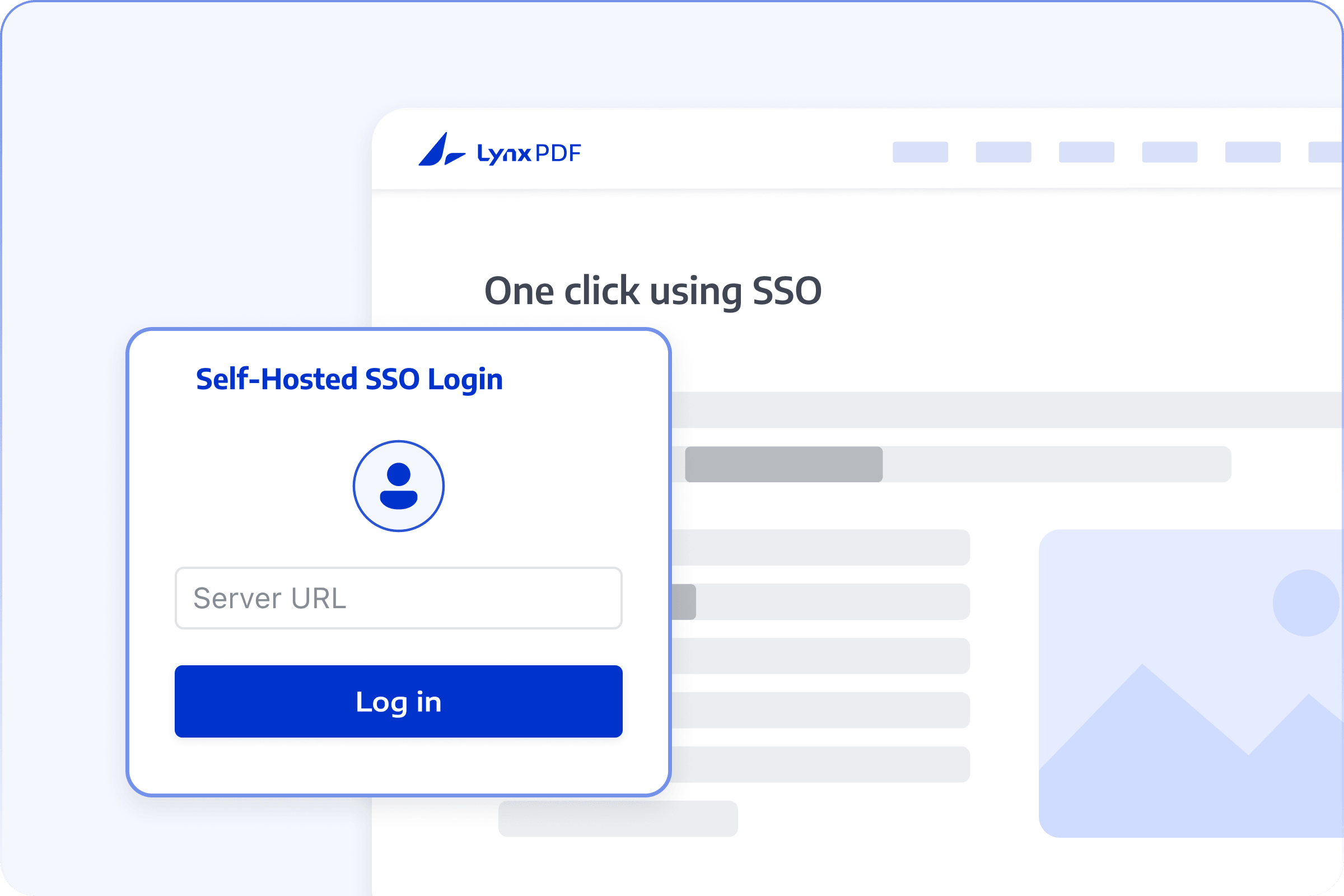
SSO-AD Login connects LynxPDF to enterprise Active Directory for unified authentication.
Login Flow (User-Side):
-
Click "SSO Login" on the LynxPDF login screen
-
Enter your enterprise AD account credentials
-
The system recognizes the account and redirects to the organization's standard SSO authentication page
-
Complete authentication with your AD password
-
Return to LynxPDF automatically after verification and enter the main interface
Key Features:
-
Log in with existing enterprise credentials—no separate software account registration required
-
Login state stays in sync with the enterprise identity system. When an AD account password changes or the account is disabled, LynxPDF login status reflects this immediately and access permissions take effect accordingly
LynxPDF's Enterprise Deployment Advantage
The table below summarizes how LynxPDF 1.8.0 approaches enterprise deployment compared to traditional PDF solutions.
By surfacing these capabilities as standard features rather than treating them as post-sale configuration, LynxPDF allows IT teams to evaluate deployment compatibility early in the selection process—not after the purchase.
Where These Capabilities Come into Play
Government / High-Security / Air-Gapped Environments
Environments with no public internet access, where software is distributed and installed via offline media, and where strict controls govern authorization and runtime conditions. LynxPDF's offline activation requires no network connection at any point, supporting device-level authorization binding in fully isolated environments.
Large Enterprises with Active Directory
Organizations running a unified identity infrastructure, where IT centrally manages users and permissions and requires a consistent account lifecycle across all software. Through SSO-AD integration, LynxPDF user management becomes part of the enterprise IT governance workflow.
Education / Labs / Exam Facilities
Scenarios with large-scale multi-device deployment, restricted or blocked network access, and the need for fast, uniform activation across endpoints. The offline activation approach supports per-device authorization, simplifying coordination for large terminal fleets.
Why We Make These Capabilities Public
In some industry software products, offline activation and AD integration capabilities are not detailed on public-facing pages. Instead, they are confirmed through technical support documentation, customer inquiries, or enterprise sales conversations.
LynxPDF 1.8.0 chooses to document these capabilities openly as standard features. The reasons are straightforward: improve evaluation efficiency for enterprise users, reduce communication and verification overhead, and make deployment requirements clearer before organizations commit to a purchasing process. Enterprise customers need definitive answers during evaluation—not a series of vendor-by-vendor confirmations. Presenting deployment capabilities directly on the product page and in documentation allows IT teams to make technical feasibility judgments in the shortest possible time.
Beyond Activation and Login: What Else Is New
-
eSign workflow improvements: Launch multi-party e-signature workflows with simplified document distribution and confirmation
-
PDF protection enhancements: Improved document security controls and redaction capabilities
-
Document comparison optimization: Better comparison of text and layout differences across document versions
What Buyers Want to Know Upfront
Does offline activation support multiple devices?
No. Each license is bound to a single device.
Do I need to reactivate after replacing a device?
Yes. Significant hardware changes may alter the device identifier, requiring a new activation file. Please refer to your purchase or license terms for details.
Does SSO-AD require an enterprise environment?
Yes. SSO-AD login is designed for environments that have deployed Active Directory and completed single sign-on configuration.
What happens when an AD account is disabled?
Account access permissions take effect synchronously—a disabled AD account cannot log into LynxPDF.
Can AD and local accounts coexist?
This depends on your organization's specific IT environment and configuration strategy. Please refer to your implementation plan for details.
Is multi-device login supported?
This depends on your organization's AD policy and license plan. Please refer to your purchase agreement or license terms.
Are offline and online versions functionally the same?
Core functionality is consistent across versions. The specific feature set depends on the license type and terms in your agreement.
What does IT need to prepare for integration?
Active Directory server configuration details and SSO access parameters are required. The specific integration approach will follow your organization's implementation plan.
Ready to See It in Your Environment?
LynxPDF 1.8.0 brings two key capabilities for secure enterprise deployment: Offline Activation enables device-level authorization in internal, isolated, or air-gapped environments, while SSO-AD Integration connects LynxPDF to enterprise identity systems for centralized authentication and access management. Together, they cover the full deployment chain—from software delivery and license verification to identity authentication and access revocation.
If your organization is evaluating PDF deployment solutions for secure environments or enterprise identity integration, contact our team for more information or to request a product trial.


