Move Customers from Proposal to Signing Faster with LynxPDF

LynxPDF helps sales teams organize proposals, quotes, order forms, contracts, and customer records so communication, approval, and signing move faster.
Secure Volume Discounts Up to 50%
Corporate Email
Full Name
Corporate Website
Country/Region
Search and select
Telephone Number
Search and select
-
Project Requirements
0 / 1000
Benefits
Features
Resources
Trusted by

Why Choose LynxPDF

Consult Sales

Talk to the LynxPDF team about document workflows, supported features, deployment requirements, and pricing.

Reduce Manual Document Handling

Use highlights, text boxes, shapes, and notes to mark key points in proposals, quotes, and contracts, and collect customer feedback in context.

Improve Review Consistency

Organize page order, annotations, form fields, and the final version for consistent team review.

Protect Sensitive Information

Use access permissions, redaction, password protection, watermarks, and e-signatures to protect sensitive documents.

Workflow Capabilities

Help sales teams explain, collect feedback, follow up, and complete signing in one file, reducing customer wait times and deal delays.

LynxPDF Makes Proposals Easier to Discuss and Contracts Faster to Sign

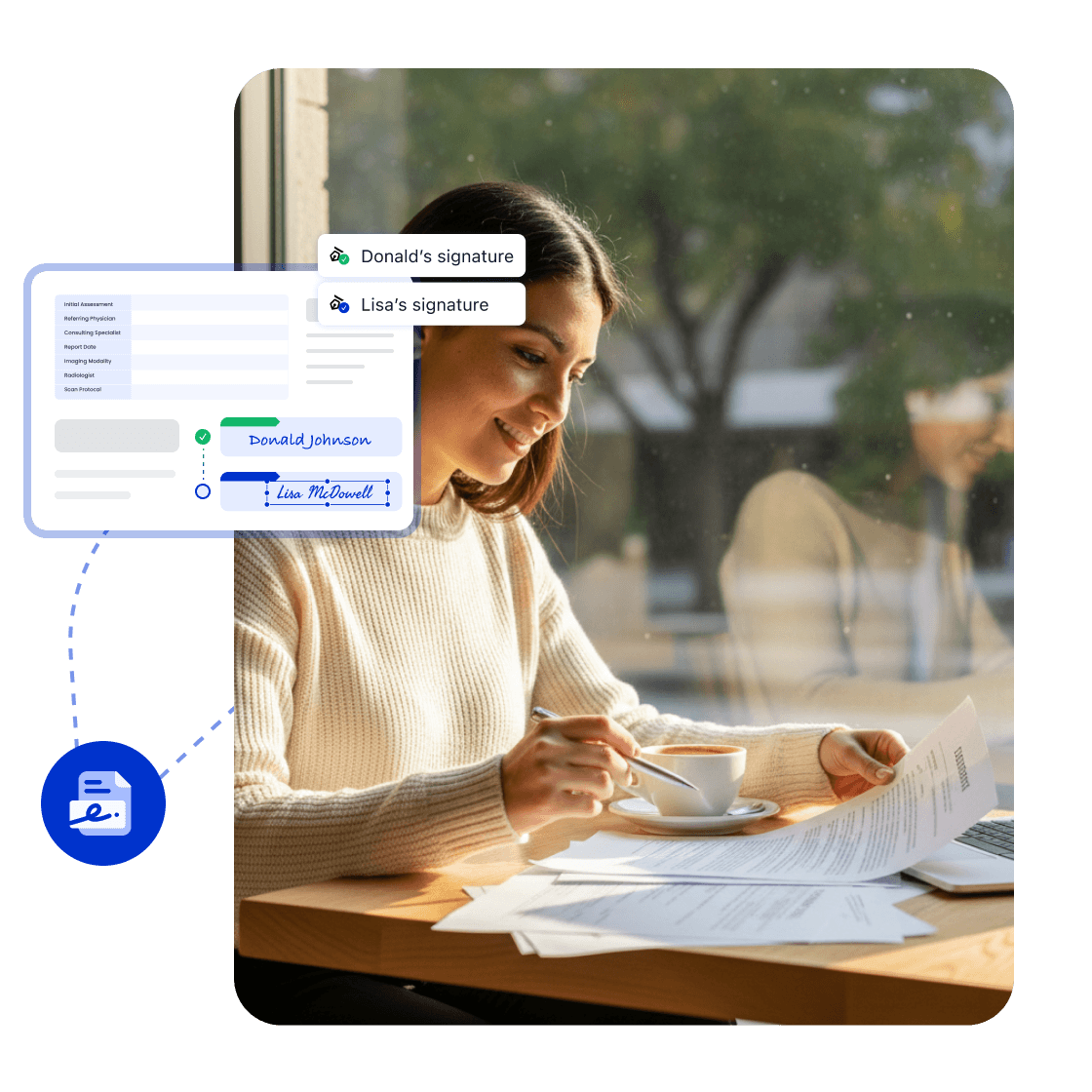
eSign: Accelerate Contract Signing

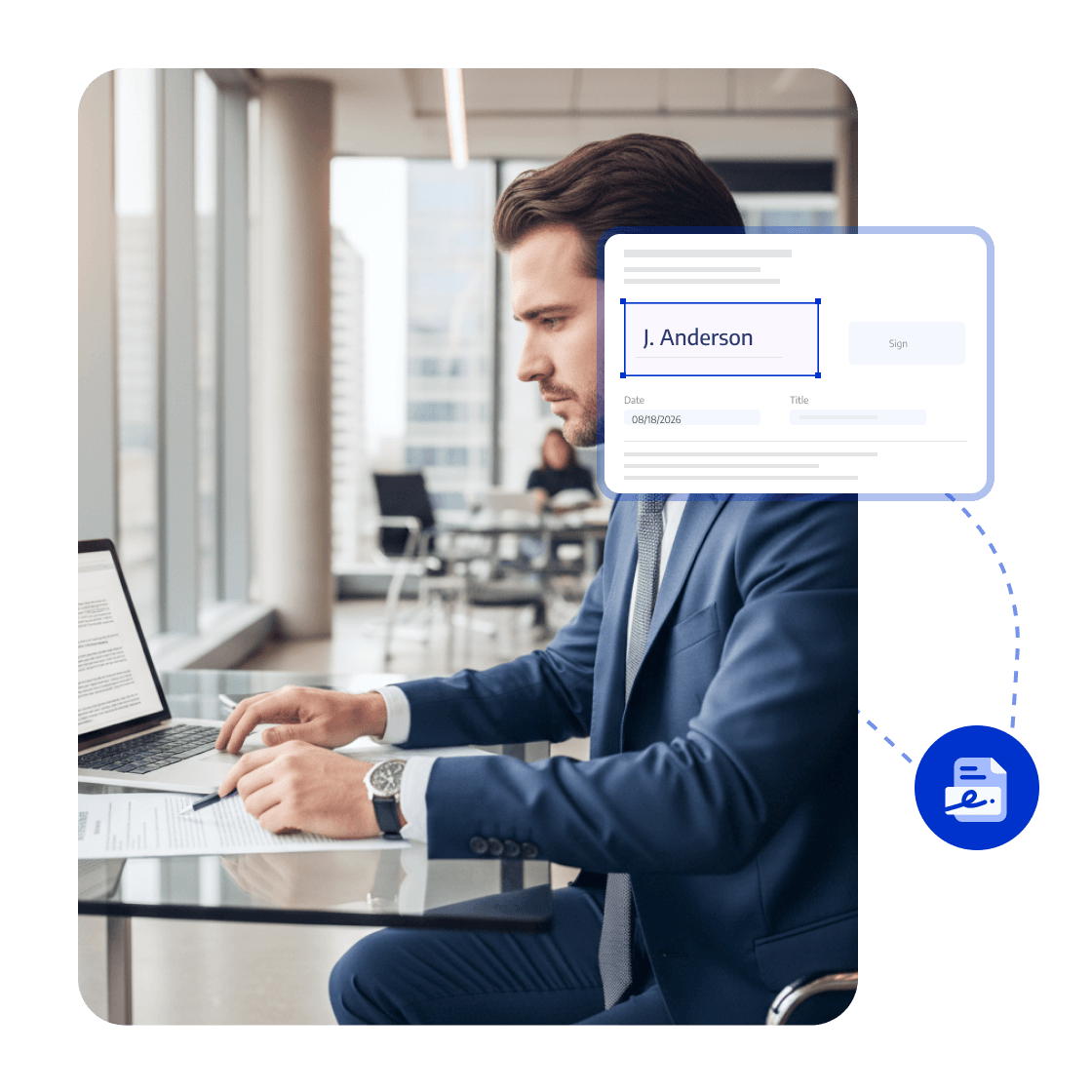
Set multi-party e-signature fields for sales contracts, orders, and quotes, sending them in customer, sales, and approval order.
Reduce waiting and manual follow-up so customers confirm and sign faster.
<span style="color:#0033CC">eSign</span>: Accelerate Contract Signing

Sharing Permissions: Control Customer Access

Restrict download, printing, and editing when sharing quotes, contracts, and product materials, with access matched to each customer.
Sharing controls reduce the risk of sending pricing, terms, and customer information to the wrong recipients.
<span style="color:#0033CC">Sharing Permissions</span>: Control Customer Access

PDF Conversion: Fit Customer Formats

Convert proposals, quotes, and product materials between PDF, Word, and PowerPoint as customers require.
Provide the requested format quickly while retaining a formal PDF for confirmation.
<span style="color:#0033CC">PDF Conversion</span>: Fit Customer Formats

Signing Progress and Automatic Reminders: Drive Customer Confirmation

Set the signing order for customers, sales, and internal approvers on contracts, orders, and quotes, then track pending steps and send reminders based on progress.
Sales teams can spot stalled steps earlier and help confirmed deals reach signing faster.
<span style="color:#0033CC">Signing Progress and Automatic Reminders</span>: Drive Customer Confirmation

PDF Annotations and Markup: Explain Proposals and Quotes

Use highlights, text boxes, shapes, and notes to mark key points in proposals, quotes, and contracts and collect feedback at the source.
Customers understand key terms and proposal points more easily while teams work from one file.
<span style="color:#0033CC">PDF Annotations and Markup</span>: Explain Proposals and Quotes
Whitepaper

PDF Digitization: Organize, Review, and Deliver Faster

whitepaper
Trusted by Enterprises Globally

The Strategic Adobe Alternative

LynxPDF provided our teams with a comprehensive PDF suite—featuring advanced editing, robust compliance, and seamless deployment—without the burden of exorbitant subscription fees.

avatar
Laura Chen
Operations Manager

Enterprise-Grade Security & Automation

Deploying LynxPDF on-premise ensured total sovereignty over our document workflows. By maintaining all data within our internal infrastructure, we have significantly mitigated security risks.

avatar
Michael Torres
Chief Information Officer

Unified Document Management

LynxPDF consolidated our fragmented toolset. Reviewing, editing, signing, and converting files is now a streamlined process, resulting in a measurable increase in organizational efficiency.

avatar
Robert Kim
IT Project Manager

The Strategic Adobe Alternative

LynxPDF provided our teams with a comprehensive PDF suite—featuring advanced editing, robust compliance, and seamless deployment—without the burden of exorbitant subscription fees.

avatar
Laura Chen
Operations Manager

Enterprise-Grade Security & Automation

Deploying LynxPDF on-premise ensured total sovereignty over our document workflows. By maintaining all data within our internal infrastructure, we have significantly mitigated security risks.

avatar
Michael Torres
Chief Information Officer

Unified Document Management

LynxPDF consolidated our fragmented toolset. Reviewing, editing, signing, and converting files is now a streamlined process, resulting in a measurable increase in organizational efficiency.


avatar
Robert Kim
IT Project Manager
iconiconiconiconiconiconicon

Industry Workflow Case

Move a Quote from Explanation to Customer Signing

Mark key points in quotes and proposals, start eSign in customer and approval order, and monitor pending steps.

Business OutcomeKeep communication, follow-up, and signing connected to the same file to reduce document-related delays.
Consult Sales
Industry Workflow

Move Customer Contracts to Signature

01

Prepare Proposals, Quotes, and Contracts

Track customer signing steps

02

Check Progress and Send Reminders

Complete customer confirmation

03

Mark Up and Convert Delivery Files as Needed

Create the final file

FAQ
How Does LynxPDF Help Sales Teams Move Deals Forward?
LynxPDF supports proposals, quotes, orders, and sales contracts with eSign, document sharing, PDF conversion, signing progress tracking, and PDF annotation.