

How to Edit PDFs Online?
Step 1
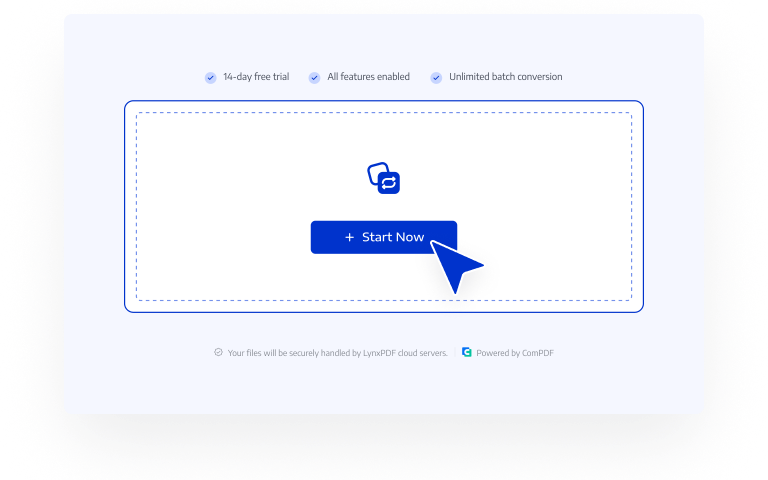
Click "Start Now"
Click "Start Now" and you will be navigated to LynxPDF Web Version.
Step 2
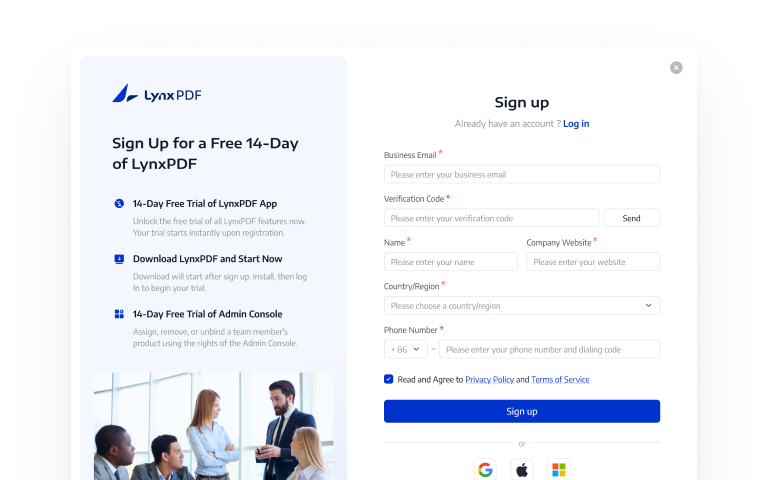
Log in
If you are not registered, please complete registration first;
Step 3
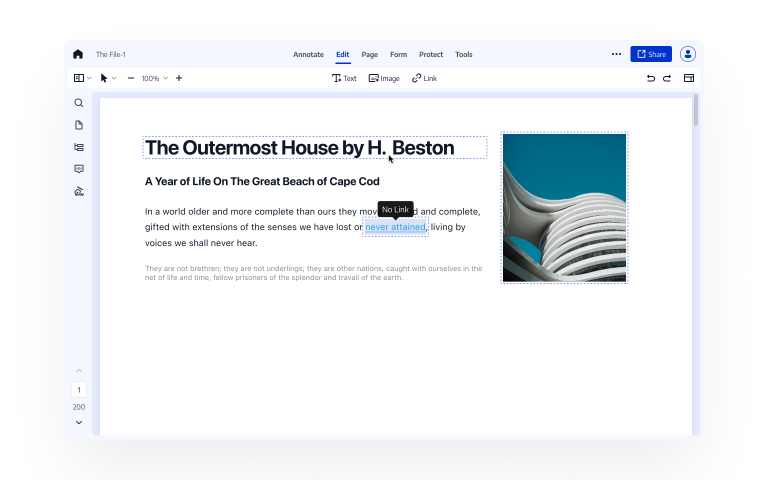
Upload File
Simply upload your file to start editing.
Pick the Free Online PDF Editting Tools Preferred by Users

Modify Text and Images
Modify text and images like what you do in Word documents. Easily add and delete text, or change font size, color and style. Replace the out-data images, rotate, crop, delete images as needed.
Add or Edit Links
Insert hyperlinks to your PDFs for quick navigation and easy access to external information. You can insert a link to an email address, an external webpage, or another page within a PDF.
Insert Fillable Form Fields
Insert fillable text fields, check boxes, radio buttons, list, etc. into your PDFs, so enterprises can quickly collect information through PDF documents.
Give Feedback and Review on PDFs
Use a full set of annotation tools to add comments and revision notes to documents, making it easy for team members to review and revise files, delivering a smooth document collaboration workflow.
Free 2GB Cloud Storage for Team
Save the processed files directly to your team's cloud storage, enabling fast archiving, secure access, and efficient collaboration across your team.
Use LynxPDF for Free, Enjoy 65+ Advanced Features
Sign UpSign up for a 14-day free trial with full access on both web and desktop.
2GB of free team cloud storage for registered users.
Annotate, convert, edit, secure, OCR, create forms, and sign PDFs - without any limitations or watermarks.
Download Desktop Version to Enjoy More Features
14-day free trial, no payment information required