

Editing a PDF may look simple on the surface, but for modern enterprises, it often becomes one of the most rigid and time-consuming steps in daily document work. Teams must deal with scanned files, inconsistent layouts, brand-sensitive formatting, and tools that simply weren’t designed for the complexity of enterprise documents.
LynxPDF V1.6.5 removes much of this friction. With precise content editing, flexible page-level controls, and OCR support for scanned PDFs, it provides a clean, reliable way for organizations to update documents without layout disruptions or workflow slowdowns.
This blog explores how LynxPDF delivers a more efficient, enterprise-ready approach to PDF editing.
The Challenge of PDF Editing for Modern Enterprises
Modern enterprises consistently encounter four core challenges:
1. Limited Flexibility and Precision for Complex Documents
Enterprise documents rarely consist of plain text. They combine tables, charts, embedded images, headers, footers, branded layouts, and compliance-driven formatting. Yet many PDF editors still offer only basic text edits and simple page operations. Without deeper structural understanding, edits become slow, imprecise, and brittle—often breaking layouts or causing inconsistencies. Teams lose time correcting format disruptions or rebuilding documents entirely, undermining efficiency and professional presentation.
2. Handling Secure and Sensitive Data
PDFs frequently carry sensitive information—confidential contracts, financial disclosures, HR records, legal documents—where every access and modification must be tightly controlled. Many consumer-grade tools lack reliable permission settings or encryption options, exposing organizations to data leaks during editing, sharing, or storage. Security gaps increase legal, financial, and reputational risks at a time when compliance requirements are only becoming stricter.

Image Source: Pixabay
3. Inefficient Collaboration and Workflow Management
Enterprise teams rely on PDFs for reviews, approvals, and multi-round revisions—but traditional editors often make that process harder than it should be. Feedback is difficult to organize, comments get lost across versions, and teams struggle to maintain a clear record of what changed and why. Even when annotations are supported, they are often scattered or hard to track.
4. The Burden of Multiple Tools and High Costs
Because no single legacy tool handles editing, security, conversion, and review well, many organizations rely on several disconnected solutions. One tool edits text, another manages encryption, another converts formats—and IT teams must maintain them all. Workflows become fragmented and expensive, reducing overall productivity and increasing operational overhead.
These challenges reveal why editing a PDF is rarely as simple as it seems for enterprise teams. Organizations do not merely need a way to “open and adjust” a PDF—they need a solution that is flexible, precise, secure, and integrated.
The Power of PDF Editing: Streamlined, Precise, and Efficient
LynxPDF approaches PDF editing as an enterprise problem: not just “change the words,” but “preserve structure, protect content, and make edits effortless.” Below are the core editing capabilities that make that possible.
1.1 Precision Editing at Your Fingertips
Editing in LynxPDF feels familiar—think word-processor ease—but it’s built to respect the complexities of PDF layout. Text runs, paragraphs and styles are editable without breaking nearby elements. Special fonts and scripts receive attentive rendering so language fidelity is preserved.
Crucially, LynxPDF lets you add interactivity: turn any text or icon into a web link or mailto link, so a single document can point users to online resources, contact addresses, or forms. The result is fast, low-risk edits: change copy, update a phone number or swap a link—no rebuild required.
For many organizations, editing a PDF is still a slow, rigid, and error-prone task. LynxPDF 1.6.5 changes that with a text engine designed for accurate, layout-safe editing.
Users can:
-
Edit text as naturally as a Word document
-
Modify fonts, sizes, colors, alignment, and spacing
-
Preserve layout integrity while updating content
-
Add or adjust hyperlinks (to pages, URLs, or email actions)
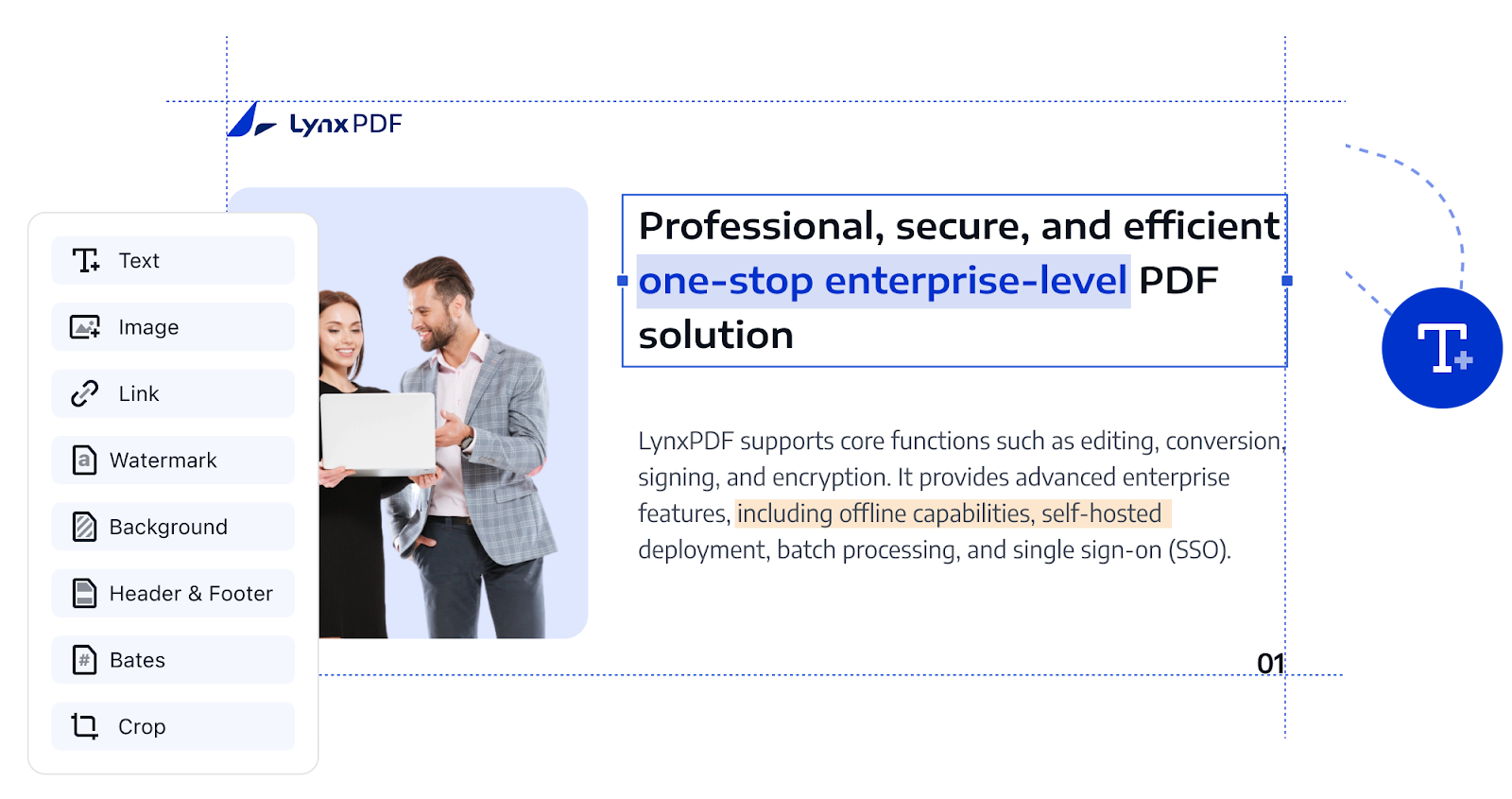
Specialized layout and font handling ensure that multilingual and brand-specific typefaces render correctly, while link support enables smooth navigation to pages, URLs, or email actions. This level of precision allows teams to correct errors quickly, update materials without rebuilding them, and maintain consistent branding across every document.
1.2 Advanced Page Editing: Headers, Footers, Backgrounds
Beyond inline text, documents often need page-level adjustments. LynxPDF gives you straightforward controls to:
-
Update headers, footers, and page numbering
-
Apply or replace page backgrounds for branding
-
Adjust page layout settings such as margins or orientation
-
Use tiled watermarks for organization-wide confidentiality labels
These tools ensure consistent formatting across large document sets, and make it simple to apply consistent corporate identifiers—company name, version date, page numbers—across a multi-page report. On watermarks, the 1.6.5 release improves custom watermark tiling, allowing organizations to apply a logo or confidentiality label across pages in a repeatable, nonintrusive pattern. It’s a practical way to protect intellectual property and visually mark document status without disrupting content.
1.3 Image and Object Editing: Flexibility to Replace and Resize
Modern PDFs contain far more than text—charts, diagrams, product images, and icons often carry core business information. LynxPDF gives users the freedom to:
-
Replace outdated graphics or logos instantly
-
Resize, crop, rotate, or reposition images
-
Manage charts, diagrams, and visual elements without breaking layouts
-
Maintain polished, up-to-date visual content across documents
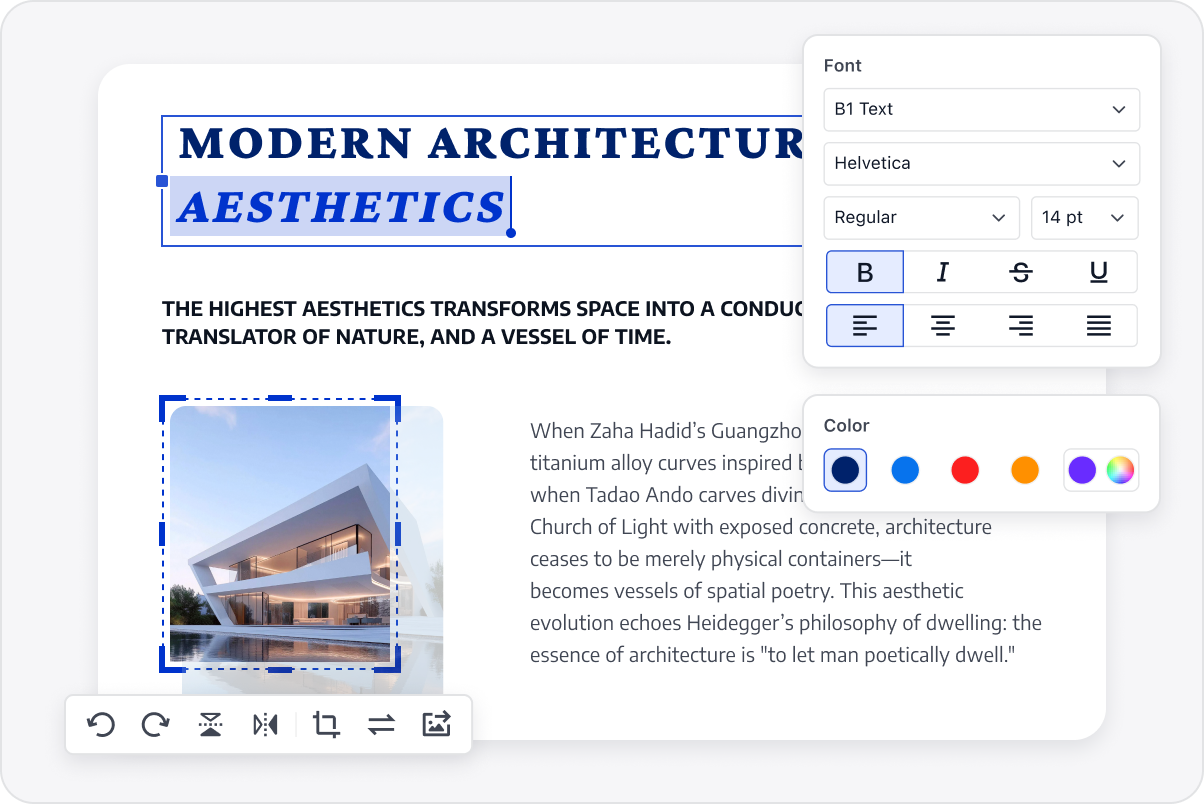
Whether updating a price table graphic, refreshing a product brochure, or correcting a misplaced logo, teams can make precise visual adjustments in seconds. This flexibility keeps documents accurate, polished, and ready for external sharing without unnecessary recreation work.
1.4 Edit Scanned PDFs Instantly with Built-In OCR
Scanned PDFs have traditionally been a problem — unsearchable, uneditable, and frustrating for anyone reviewing contracts, archive documents, or financial records. LynxPDF’s integrated OCR to:
-
Automatically detect scanned or image-only pages
-
Text, tables, and structural elements are recognized and restored
-
Convert scans into fully editable and searchable text
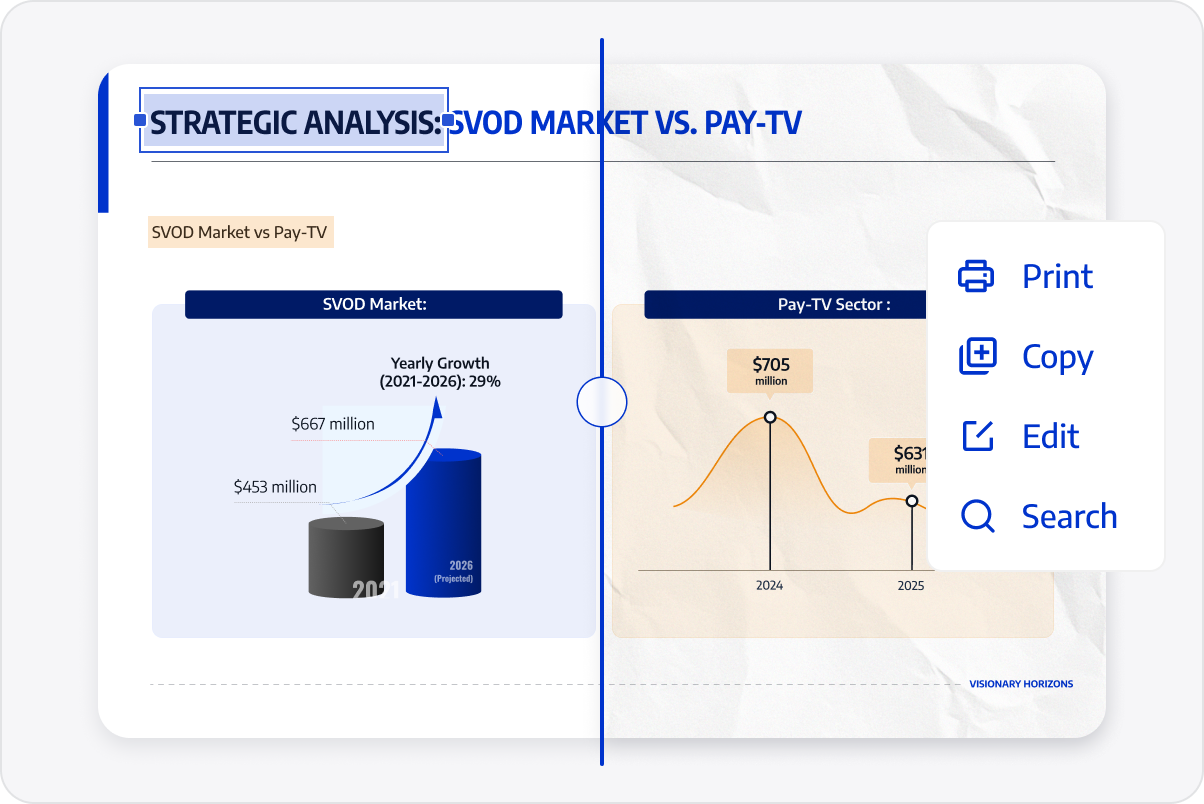
This dramatically reduces manual work and brings old or image-based PDF assets into modern, editable workflows.
With these capabilities, LynxPDF 1.6.5 turns PDF editing from a slow, restrictive task into a fast, precise, and reliable workflow. Teams can update content with confidence, maintain consistent document quality, and handle even complex materials without friction—bringing true efficiency and clarity to every stage of enterprise document management.
Enhancing Security and Collaboration in Editing Workflows
While editing is the core focus of LynxPDF, enterprises still require basic safeguards and a reliable way to exchange feedback. LynxPDF includes practical controls that complement its editing capabilities without overwhelming workflow simplicity.
1. Security Through Encryption & Permission Controls
Documents can be protected with passwords and permission restrictions to prevent unauthorized printing, copying, or editing. These settings are ideal for sharing reports, financials, and sensitive contracts while maintaining control over how they are used.
2. Streamlined Local Review with Comments & Replies
LynxPDF supports highlights, comments, and replies, enabling teams to exchange feedback cleanly. Although comments aren’t cloud-synced in real time, every reply is saved into the PDF itself, so reviewers can see the full discussion when the updated file is shared back. This keeps review cycles organized.

Image Source: Pixabay
3. Assurance with Digital Signatures & Watermarks
To verify whether a file has been altered, LynxPDF’s digital signatures clearly indicate the validity of the signing certificate, allowing users to confirm if any changes were made after signing. Combined with customizable watermarks, LynxPDF provides both evidential and visual protection—helping prevent unauthorized edits and reducing the risk of accidental disclosure.
Turning Editing into an Integrated Workflow
In today’s business landscape, document editing is no longer just a task — it’s a part of how teams collaborate, secure information, and keep projects moving. A truly enterprise-ready editor should simplify complex workflows, protect sensitive data, and reduce operational costs without disrupting existing systems.
Start optimizing your workflow today. Click below to try LynxPDF for free and experience how secure, seamless PDF editing can redefine your team’s productivity.


